
Assets can be archived when they are no longer active. The archived assets can be viewed and if required can be moved back to the active asset list.
Click on 'Archived Asset' tab to view the archived asset.
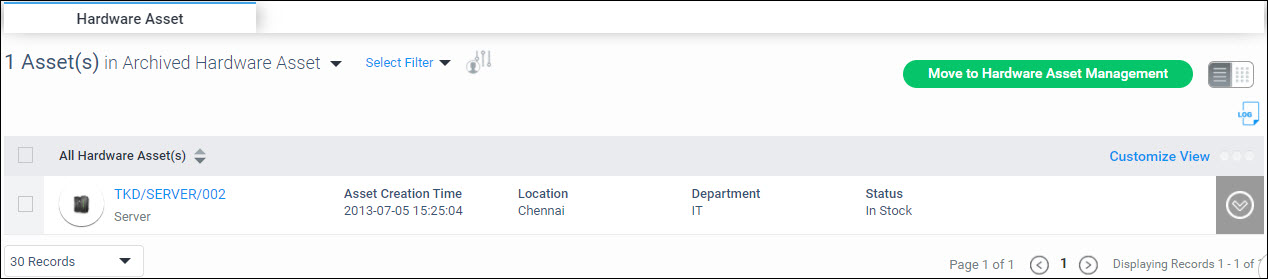
Select the asset and click on ‘Move to Asset Management’ to move it to the active asset list.