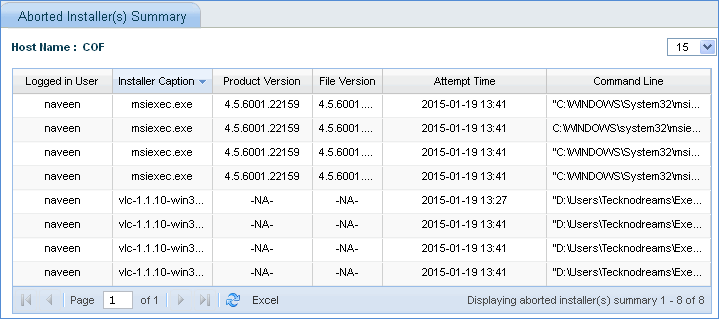
Once the software is blocked, you can view the installation aborts done by SapphireIMS.
On the SapphireIMS menu, point to 'Inventory' and click 'Installed Software'.
Click on the 'Blacklisted Software Summary' tab.
Select the 'Aborted Installers' option button to view the list of aborted installers

Click on the number of 'Aborted Installer(s) Summary' to view the aborted installer details for the host.