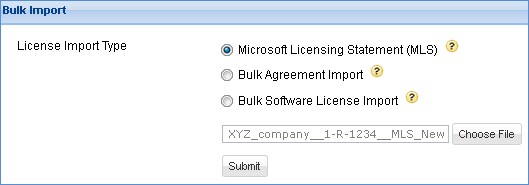
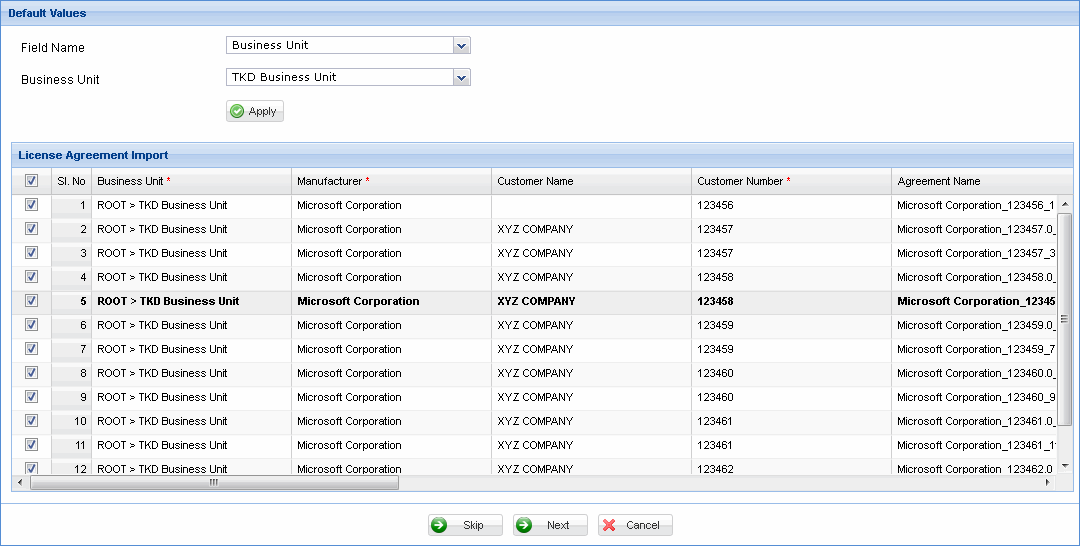
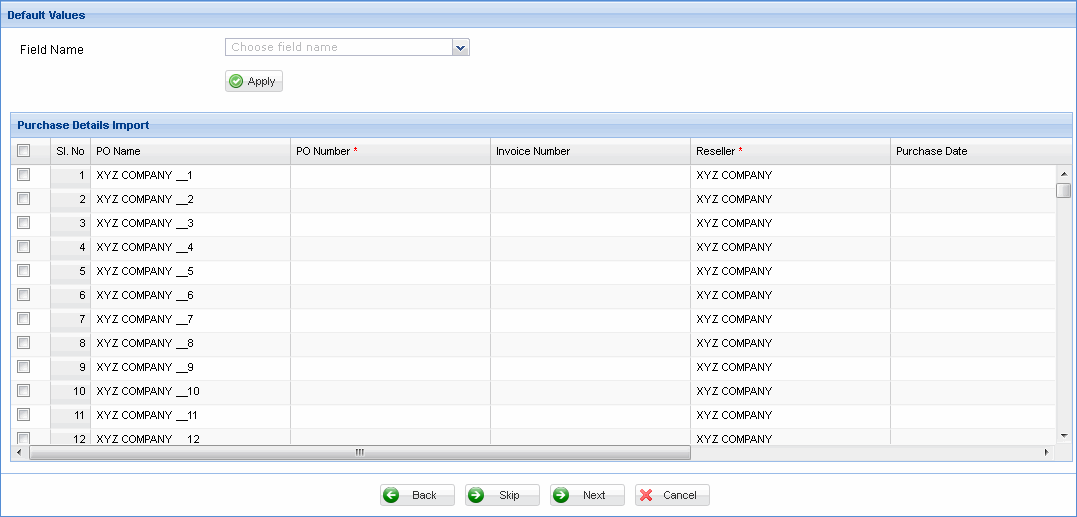
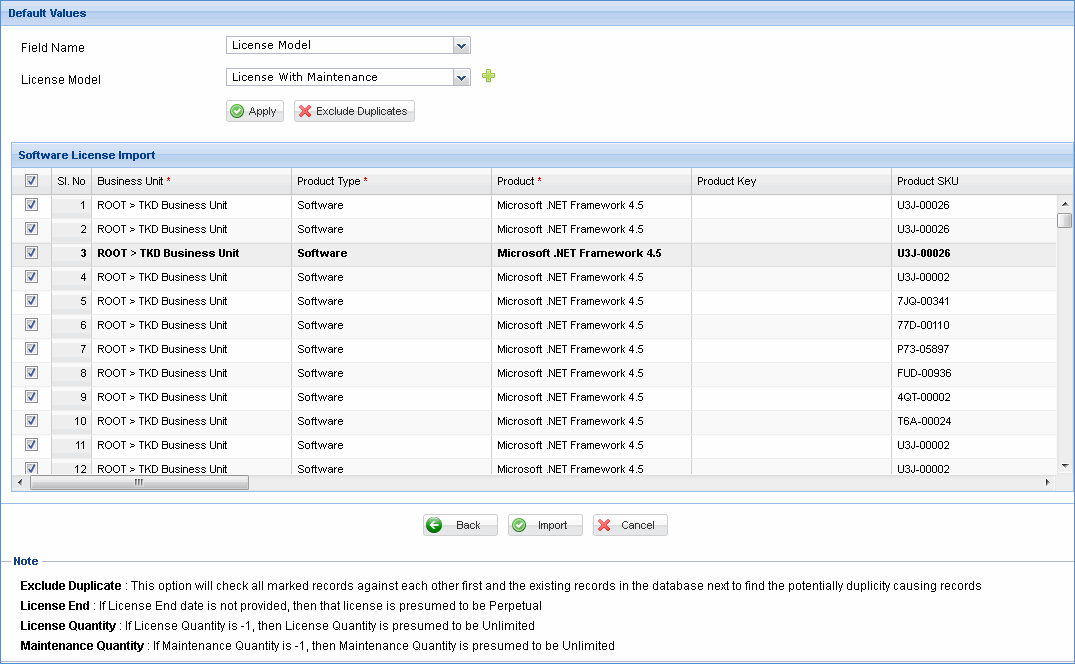
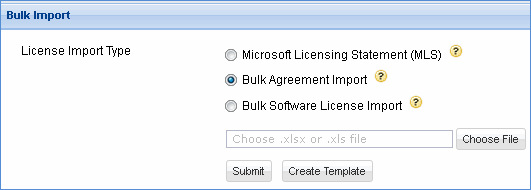
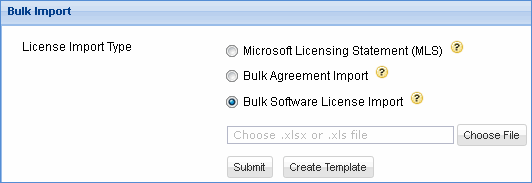
Bulk import helps you to import the license records and agreements in bulk by uploading CSV or Excel files. Microsoft's MLS (Microsoft Licensing Statement) is also supported. Bulk import populates the database from the uploaded files and displays the preview. You can then edit the details and approve the same. The approved license or agreement is then stored in the license repository. Duplicate records or errors during import are displayed in a message dialog box.
MLS import - This option allows you to import the MLS (Microsoft Licensing Statement) file which contains both license and agreement information. MLS does not contain much information related to purchase. This information will have to be manually entered in the bulk import preview screen.
Bulk Agreement Import - This option allows you to import agreements in bulk. A template is provided to be used for generic agreement import. You need to fill the information in the template and upload it. You can then edit and approve the information.
Bulk License Import - This option is similar to bulk agreement import and allows you to import licenses in bulk. You need to fill the information in the template and then upload or import it in SapphireIMS repository.