
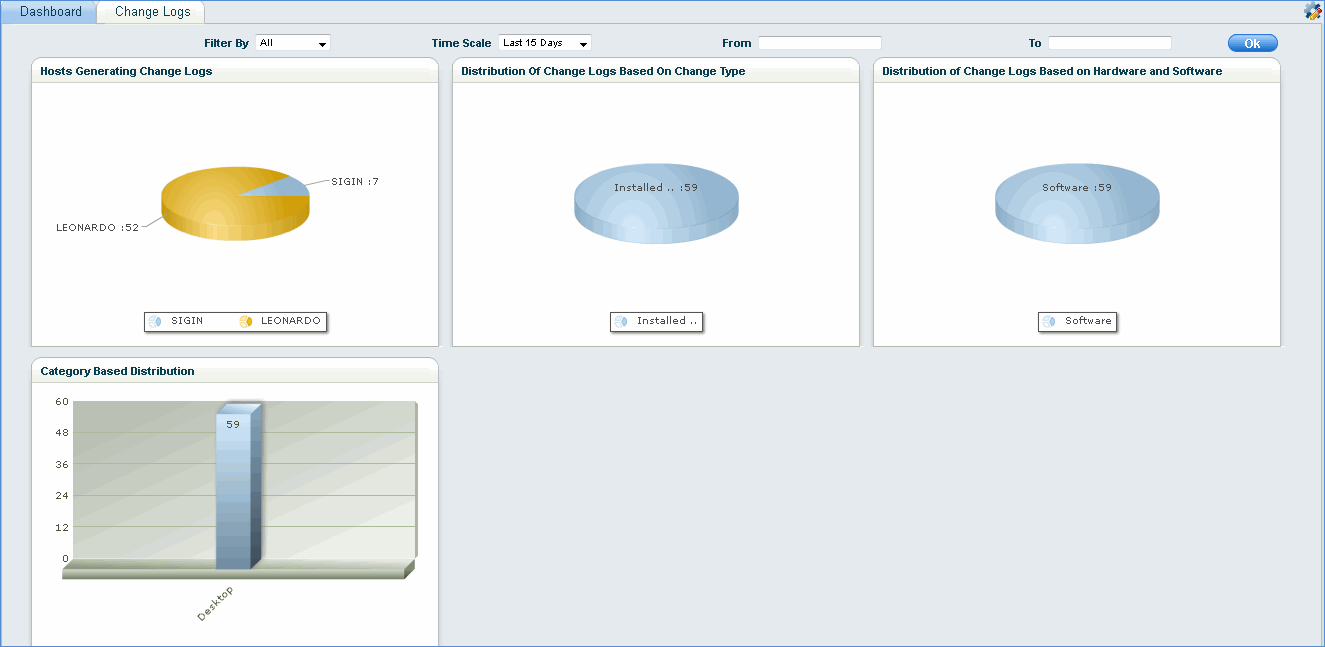
Change Logs gives a dashboard based view of the inventory change logs across the network as shown below.
On the SapphireIMS menu, point to 'Inventory' and click 'Change Logs'
Click ' '
to customize the dashboard view
'
to customize the dashboard view
When you click the dashboard, a popup window with individual log details is displayed

 Note: In the case of user
profile based software like Microsoft Teams etc., if a user logs on and
logs off this will not affect the inventory and not show up as a change
in the change log.
Note: In the case of user
profile based software like Microsoft Teams etc., if a user logs on and
logs off this will not affect the inventory and not show up as a change
in the change log.