
Enclosure Templates are used as templates for the enclosure comments which can be added during state transitions.
Select 'General Settings' option on the right hand side panel.
Click on 'Enclosure Templates'. The Enclosure Template listing is displayed.

Click on an existing template to edit or click on 'ADD' to add a new template.
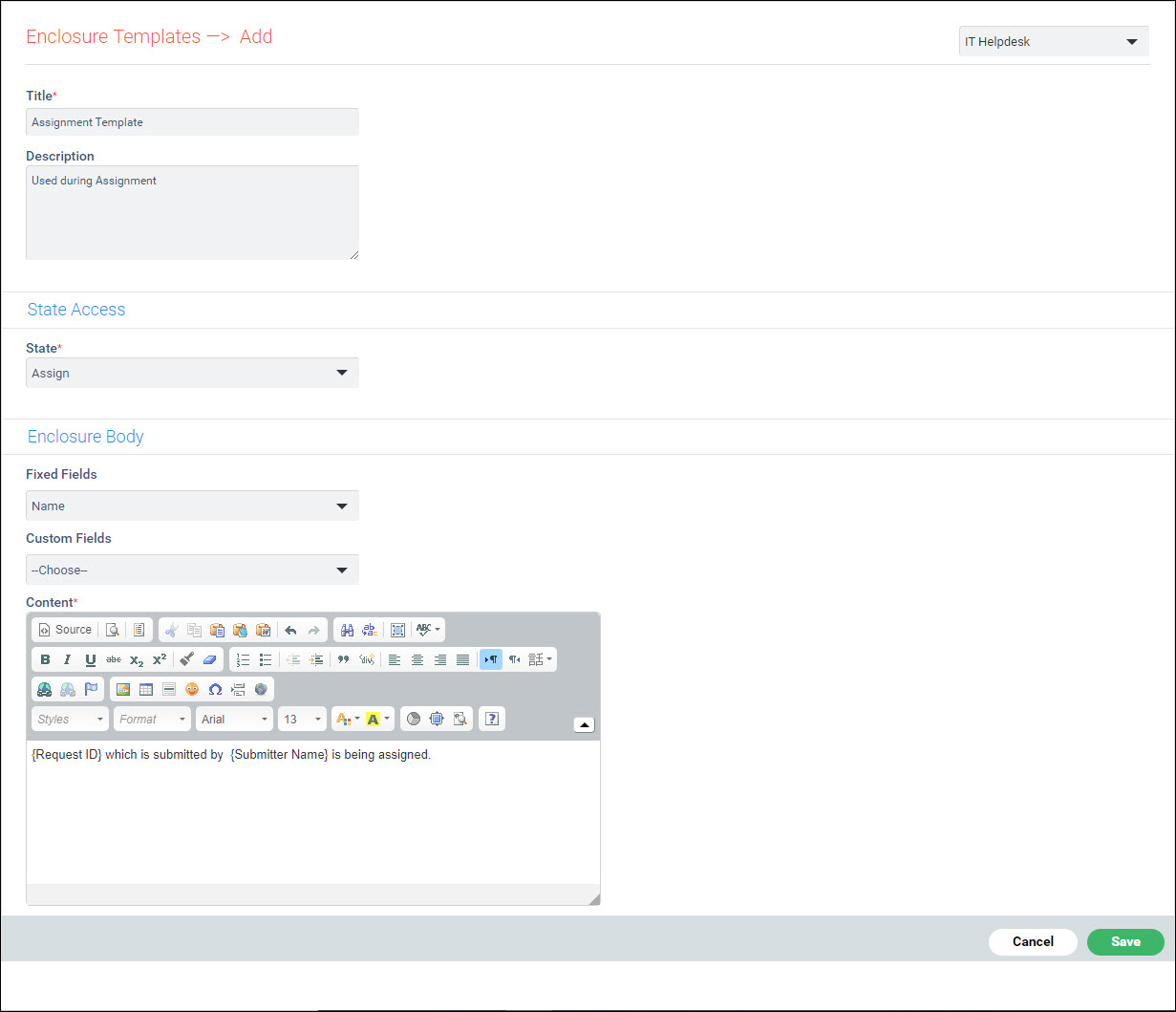
The fields are described in the table below.
|
Click on 'Save' or 'Update'.
To delete a template, select the template and click on 'DELETE'.
