
These reports are specifically meant for the inventory and the assets discovered in the network. The administrators and the system managers can access these reports and customize them as per the requirement. The details can be displayed in multiple formats like 'Excel' and 'PDF'.
SapphireIMS provides a vast list of fields which can be included in the Inventory and Asset reports. Only the assets that are linked with the inventory are displayed in these reports.
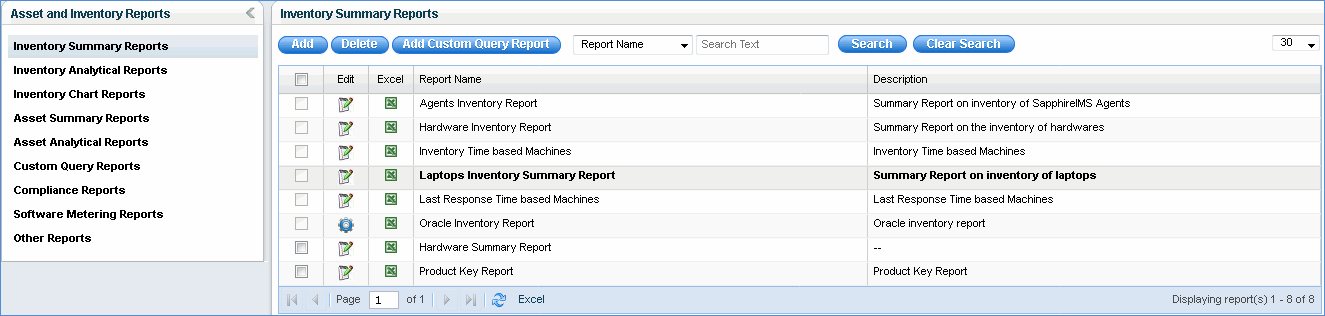
Once the report has been successfully configured, click on the report to display it in the 'Report Viewer' tab. This report can be:
Saved as an 'Excel' report by clicking on the
sign ' '
'
Click ' ' icon to edit the report
configuration
' icon to edit the report
configuration