
License dictionary is a place holder to store some of the common and often used data in license records and agreements. You can only add values to pre-shipped license dictionaries which cannot be edited or deleted.
Click the 'Settings' tab. In the 'Asset and Inventory Management section, click 'Compliance'
In the 'Settings' panel, click 'License Dictionary'. All the license dictionary details for the selected dictionary are listed here. To add a new dictionary, select the dictionary name for which you want to add values and click 'Add'
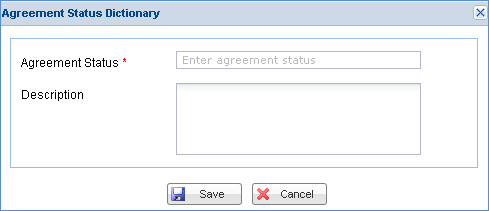
Here the dictionary name selected is "Agreement Status". Enter the new agreement status and description and click the Save button to save the new agreement status dictionary value. Similarly you can add dictionary values to all the license dictionary items.