
User Surveys can be conducted through SapphireIMS at any point in time. The survey has to be configured by the SapphireIMS Administrator. If a survey has been configured, you will see an announcement when you login or you may get an Email with a link to the survey.
If a survey has been activated, then when you login, an announcement appears on the top. If configured, an Email notification with a link to the survey is sent.

Click on the 'Got a minute? Participate Now' button to participate in the survey or click on the link in the notification mail. The survey screen is displayed. If you want to participate later, close the announcement and proceed.
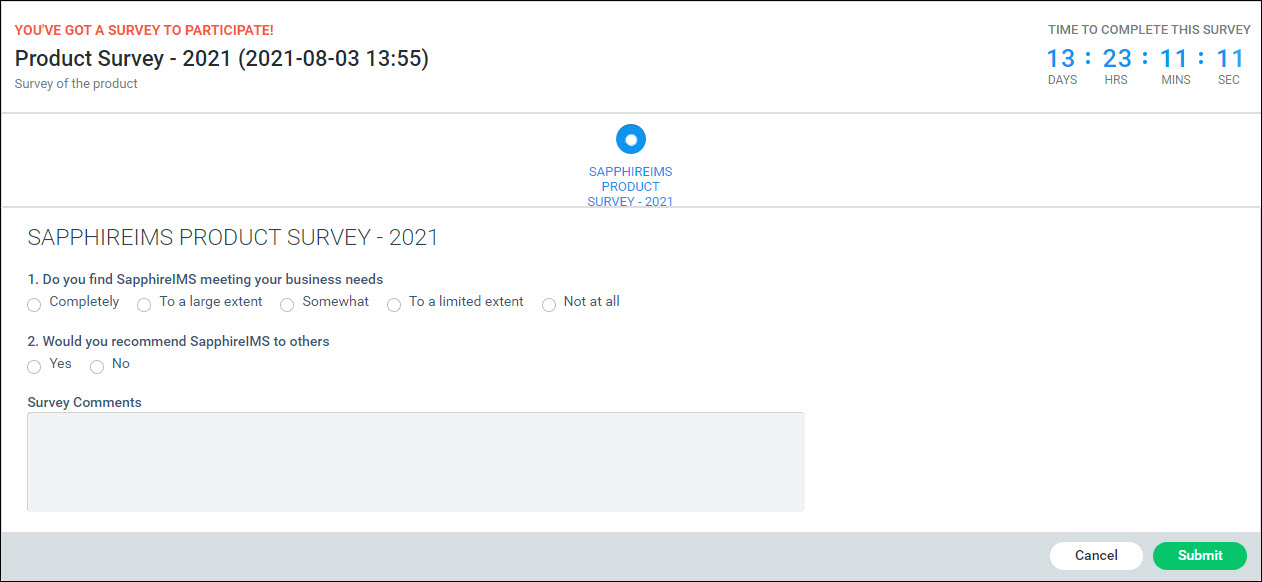
Enter the responses to the survey questions and click on 'Submit'.
If configured, then you can expect to receive an acknowledgement on submission of the survey.