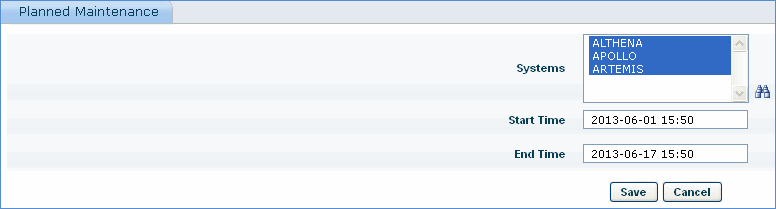
Planned Maintenance allows you to exclude systems from performance monitoring for a specified time interval due to scheduled maintenance of systems.
1. Click the 'Settings' tab. In the 'Business Service Monitoring' section, click 'Planned Maintenance'.
2. Click 'Add' and click the binoculars icon to select systems.
3. Select the start and end time of planned maintenance.