
Questionnaire allows you to create questions with multiple answers in a service desk project. These questions are visible whenever a request is submitted in that project. This is used to get additional information when either records are being submitted or states in transition.
Select 'CSAT & Questionnaire' option on the right hand side panel.
Click on 'Questionnaires'. The Questionnaire configuration screen is displayed.
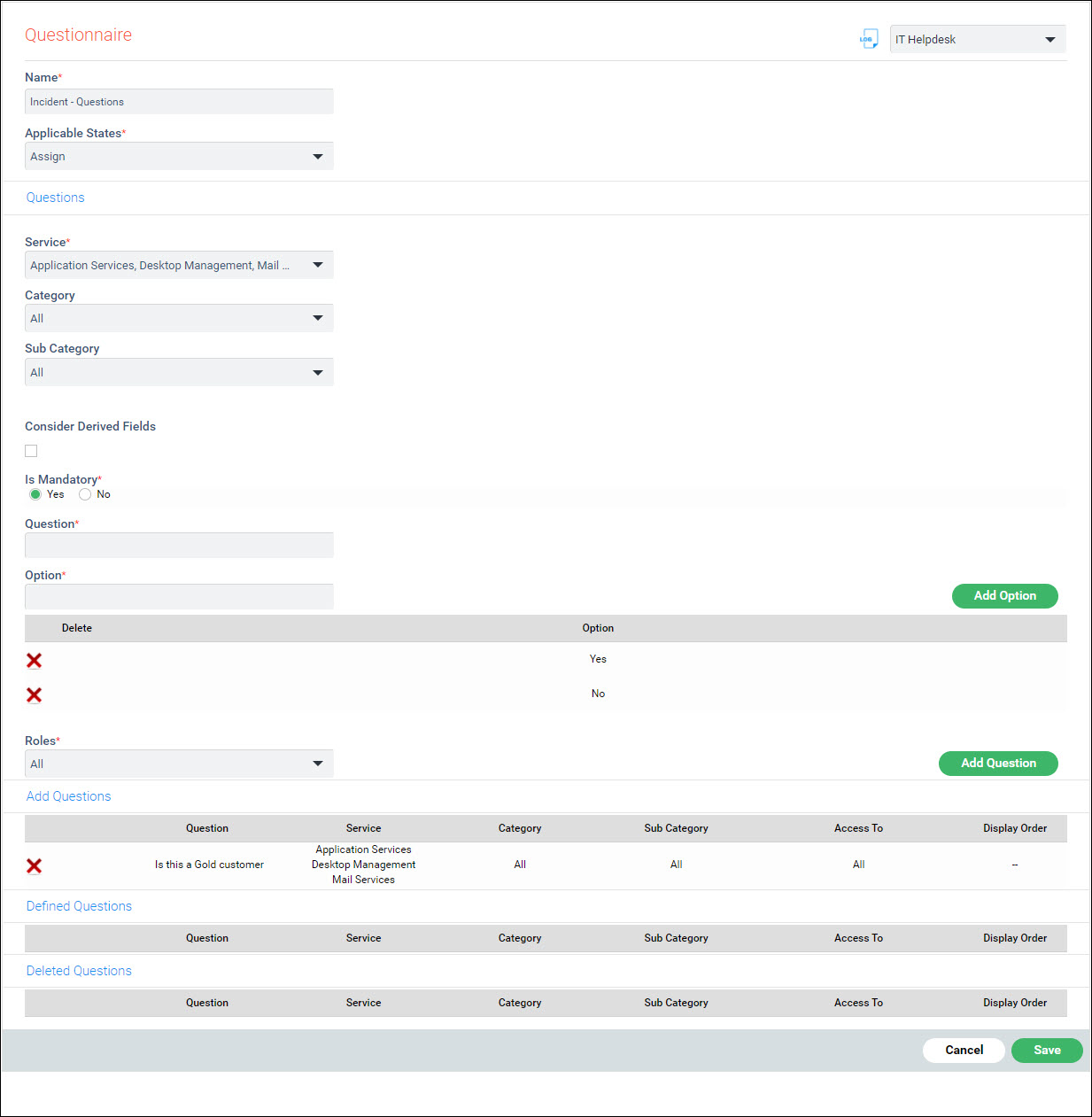
The fields are described below.
|
Click 'Save' to save the Questionnaire.
To delete a question click on  against
the question.
against
the question.
To edit a question click on  against the
question.
against the
question.