
This topic details the steps to create a Service Catalogue. Service Catalogues list the services which are available for users with the description, availability of the service, what is in-scope and out-of-scope for the service, the output from the service, status (as to whether the service is rolled out), cost and time-line to provide the service. The Service Catalogue sets the expectations with users of IT services on what to expect.
Service Catalogues can be defined for each project for the services, categories and sub-categories which are defined in the project.
 Note: Service Catalogue is
applicable for Request Fulfillment type of projects only.
Note: Service Catalogue is
applicable for Request Fulfillment type of projects only.
Before configuring the Service Catalogue, make sure that all the Services, Categories and Sub-categories are defined.
Select 'Service Catalogue' option on the right hand side panel.
Click on 'Service Catalogue Configuration'. A list of Service Catalogue entries (based on the services) are displayed.
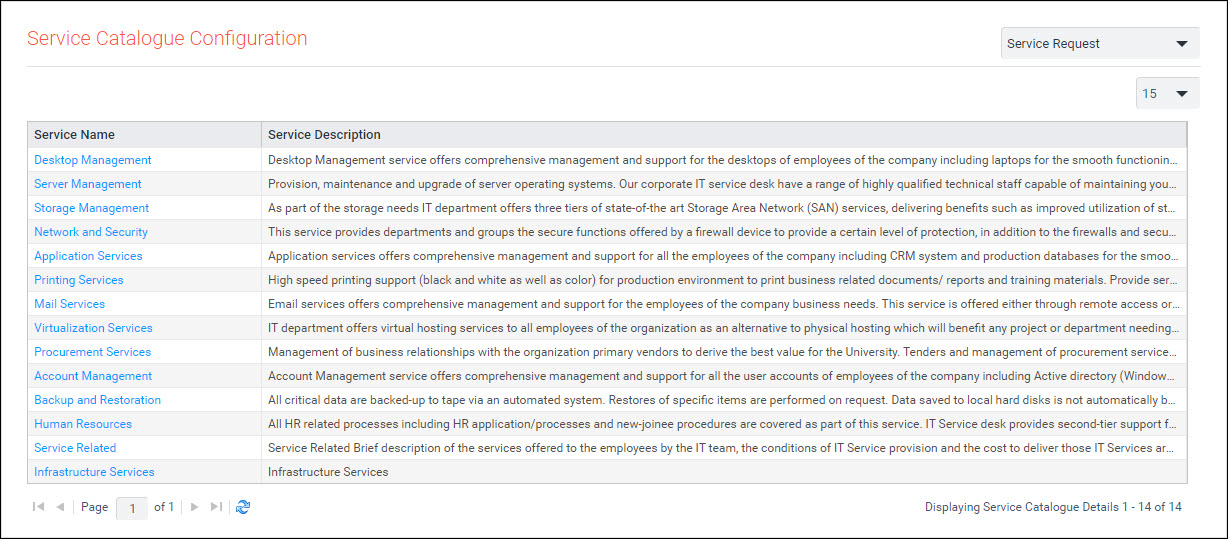
Click on the Service to update the catalogue.
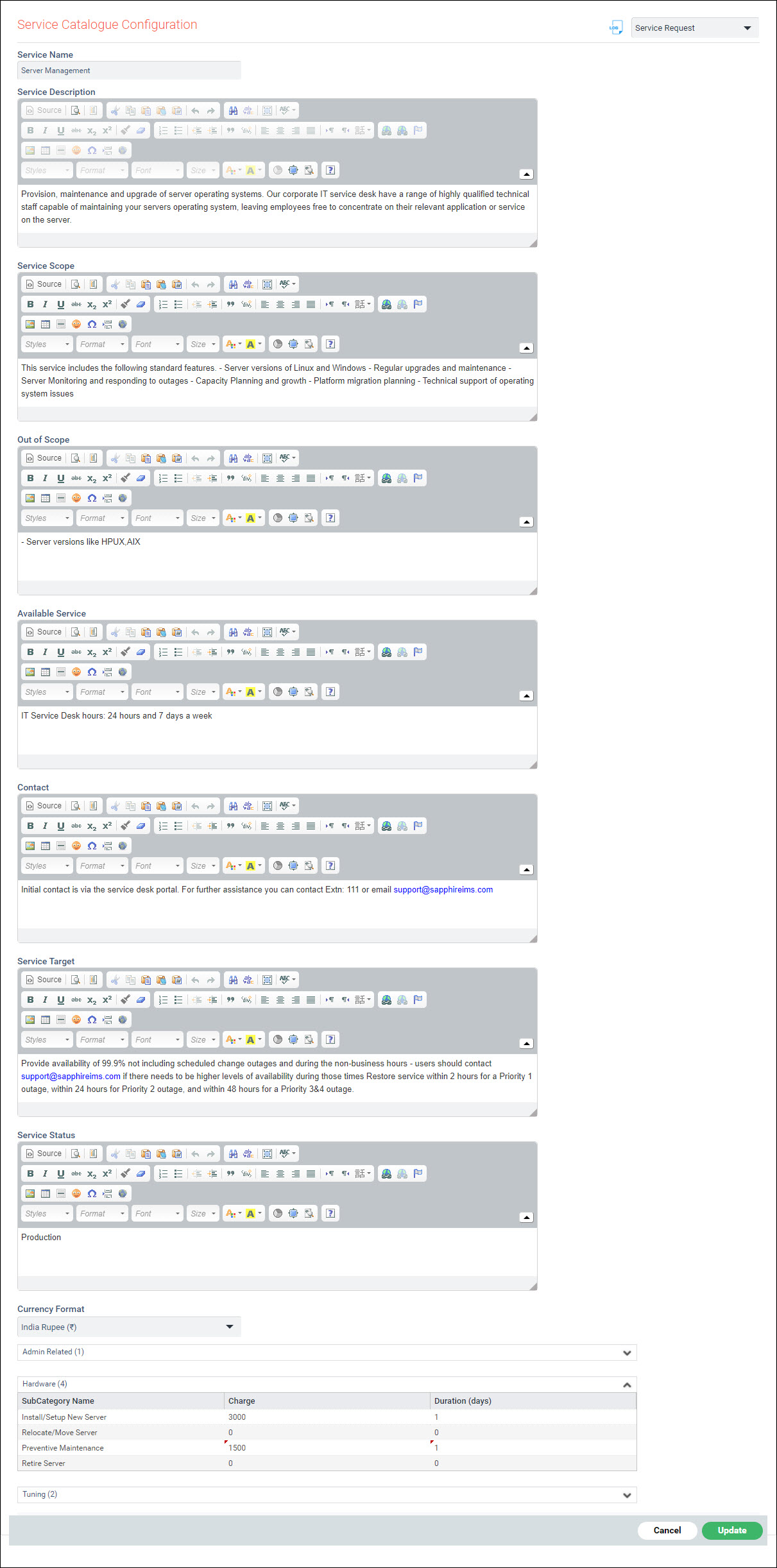
The fields for the Service Catalogue update are described below.
|
Click on 'Update' to update the catalogue.
Along with the Service Catalogue, if Quick Templates are also configured, then the Service Request can be directly submitted from the Service Catalogue.