Services are the next level of categorization of records after Projects. By defining different services, it allows for flexibility of having different workflows for records belonging to different services. For example a record belonging to 'Application Service' service may be handled in a different workflow than a record belonging to a 'Server' service. SapphireIMS comes with pre-defined services for the in-built project types.
Click on 'Categorization' option on the right hand side panel.
Click on 'Service'. The list of services is displayed.
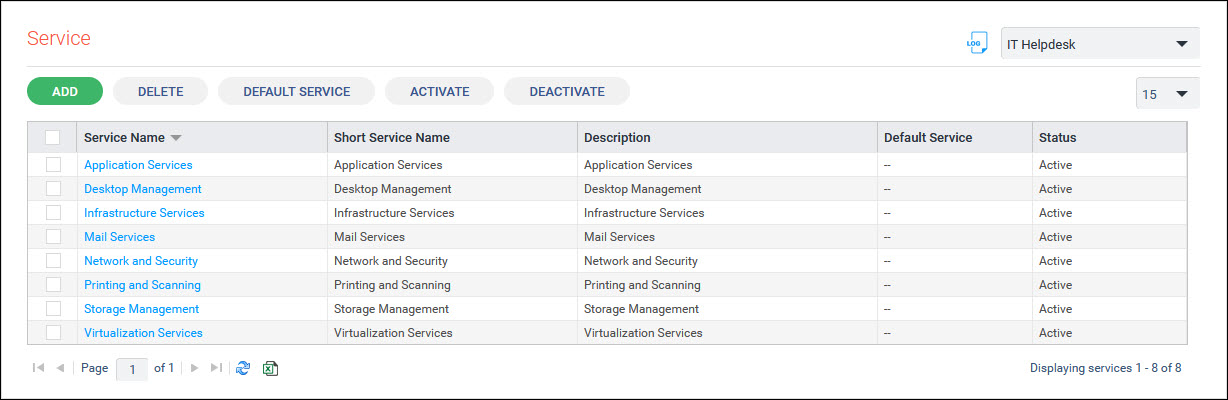
Click on 'ADD'. The service addition screen is displayed.
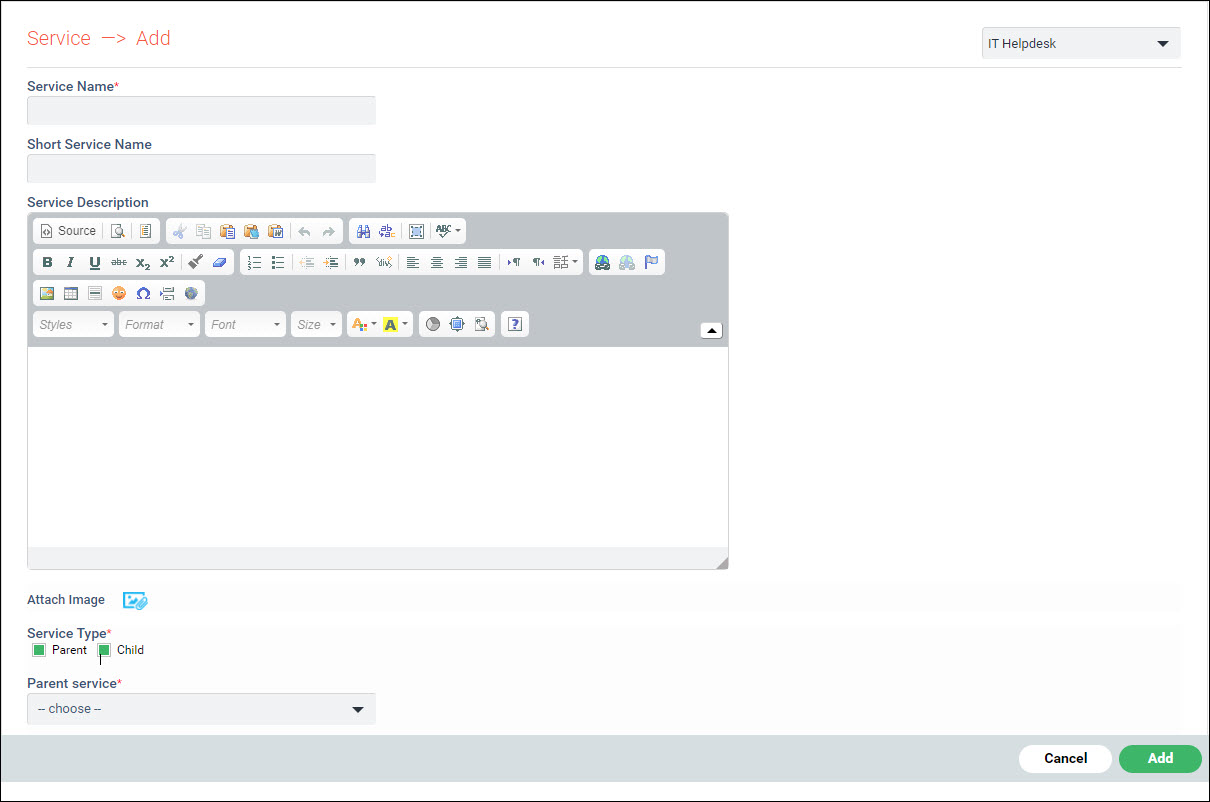
The fields are described below.
|
Enter all the fields and click on 'Add'.
Select a service from the list and click on 'DELETE' to delete the service.
A service can be set as default for a project. When submitting a record, by default the default service gets selected. Click on 'DEFAULT SERVICE'. The following screen is displayed.
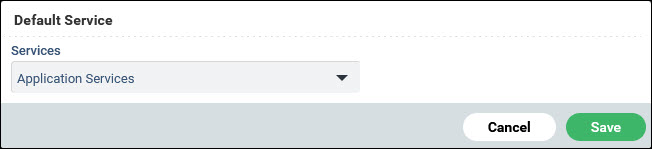
Select a service and click on 'Save'.
Services can be activated or deactivated at any time. To deactivate or activate a service, select the service and click on 'DEACTIVATE' or 'ACTIVATE'.
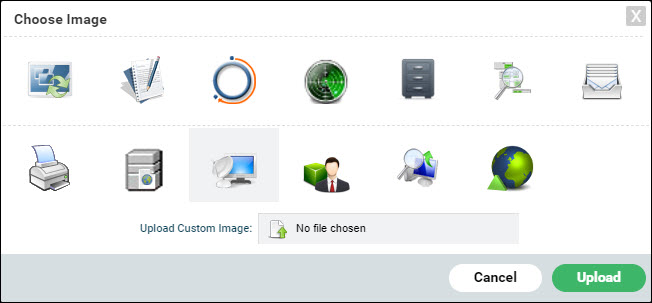
 icon to upload an image which
is displayed to represent the service. There are a few images
shipped with the product. You can either select from among those
or upload a custom image.
icon to upload an image which
is displayed to represent the service. There are a few images
shipped with the product. You can either select from among those
or upload a custom image.