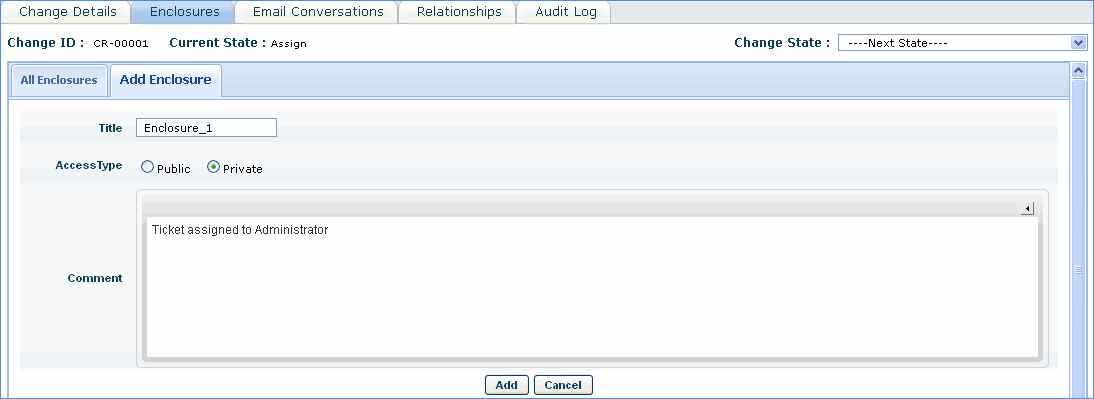
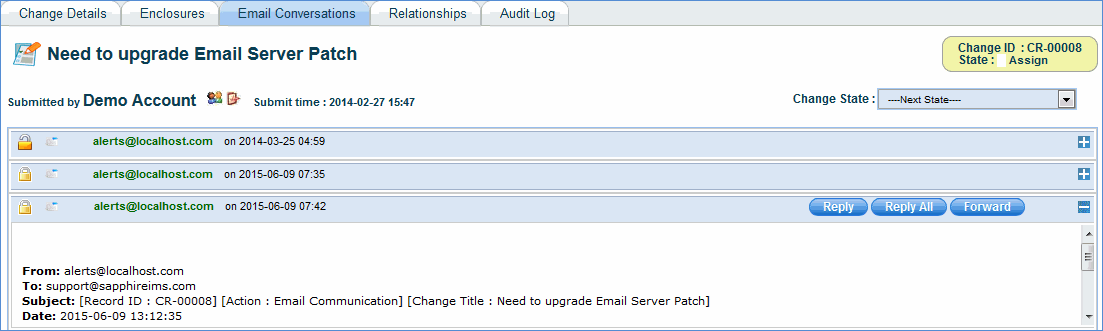
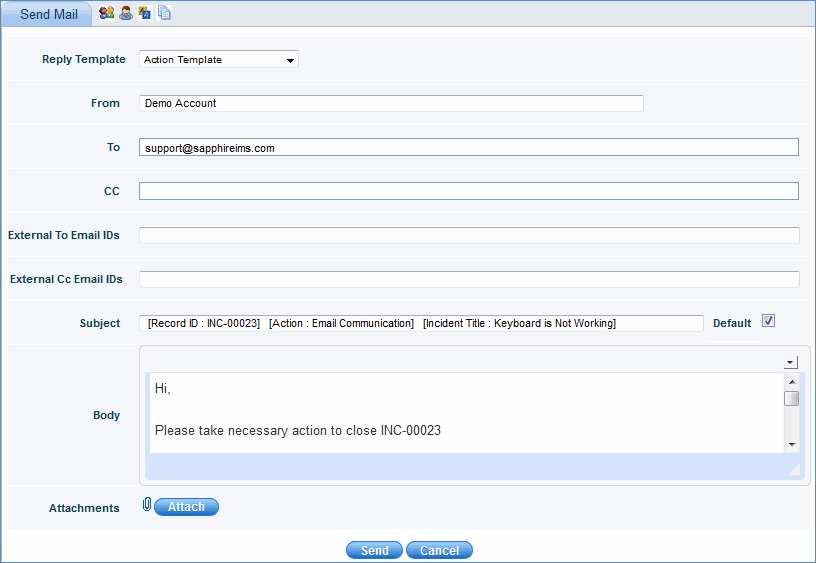
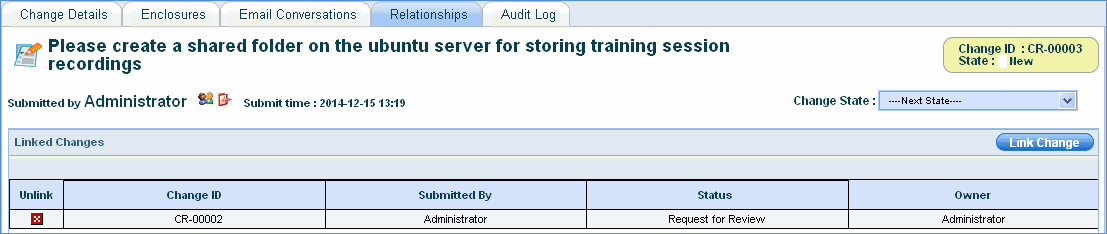
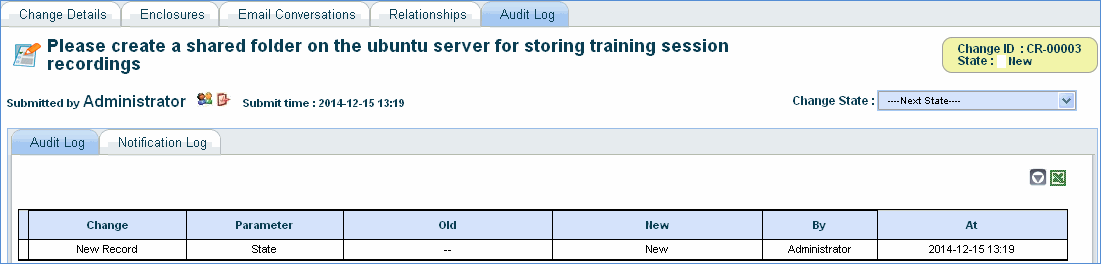
To view the details of a change, click Change ID in the change listing page. In the 'Change Details' page, the details are organized into multiple sections like Change Classification and Change Details for better readability.

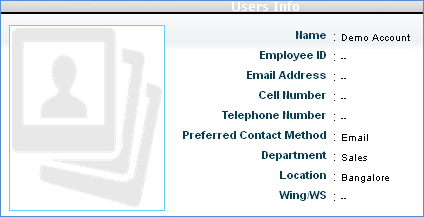
The contact details of the submitter like
phone number, e-mail address, location etc can be viewed by clicking Users
Info icon  besides the Submitted By field.
The submitter details will be shown as below.
besides the Submitted By field.
The submitter details will be shown as below.
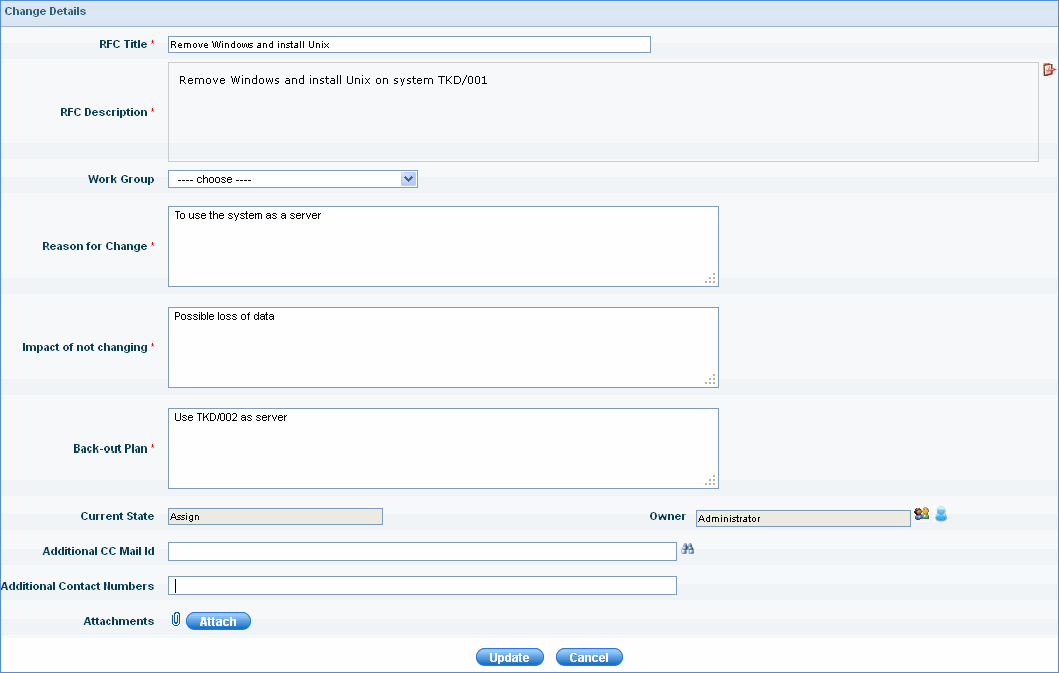
The classification details of the problem can be viewed from Change Classification section in the change form.
SapphireIMS Change Management provides classification through RFC Category field.

A change goes through various stages in it's life cycle. The status of the change can be viewed from Change Details section.
Click the below topics to view detailed information on the same
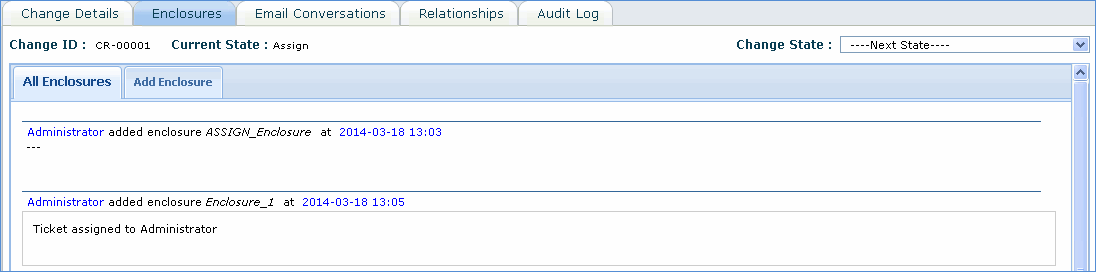
 '
icon to view the enclosures in reverse chronological order.
'
icon to view the enclosures in reverse chronological order.