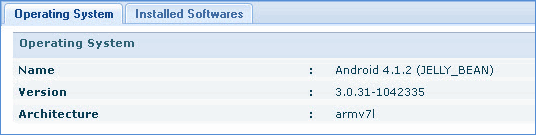
You can view dashboard information of Android devices in the home page.
Click the 'Home' tab to view the dashboards.
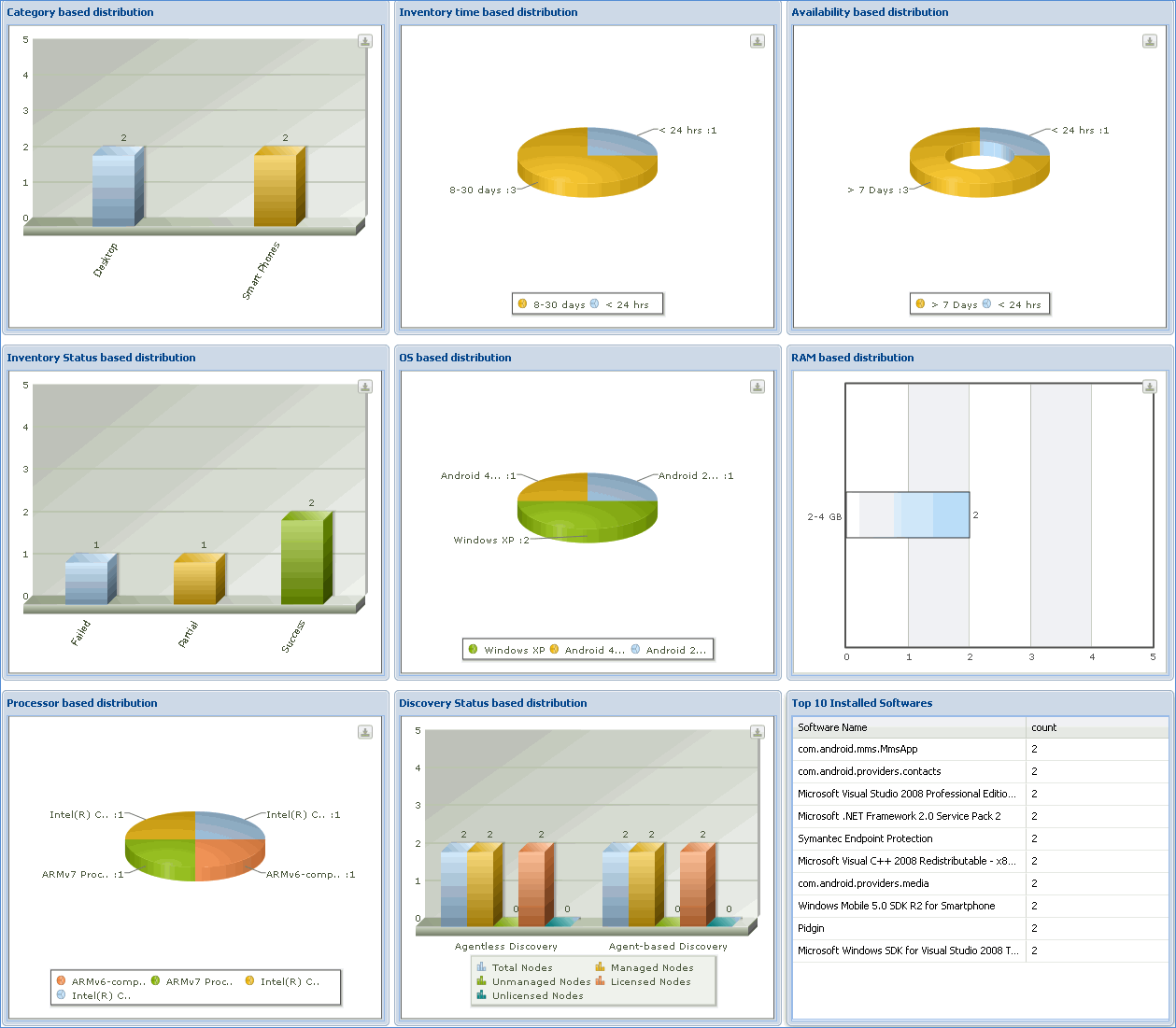
Home Dashboard
1. In the ‘Category based distribution’ dashboard, click ‘Smart Phones’ to view the inventory information for each Android device.
2. In the Discovery listing screen, click the selected Android device
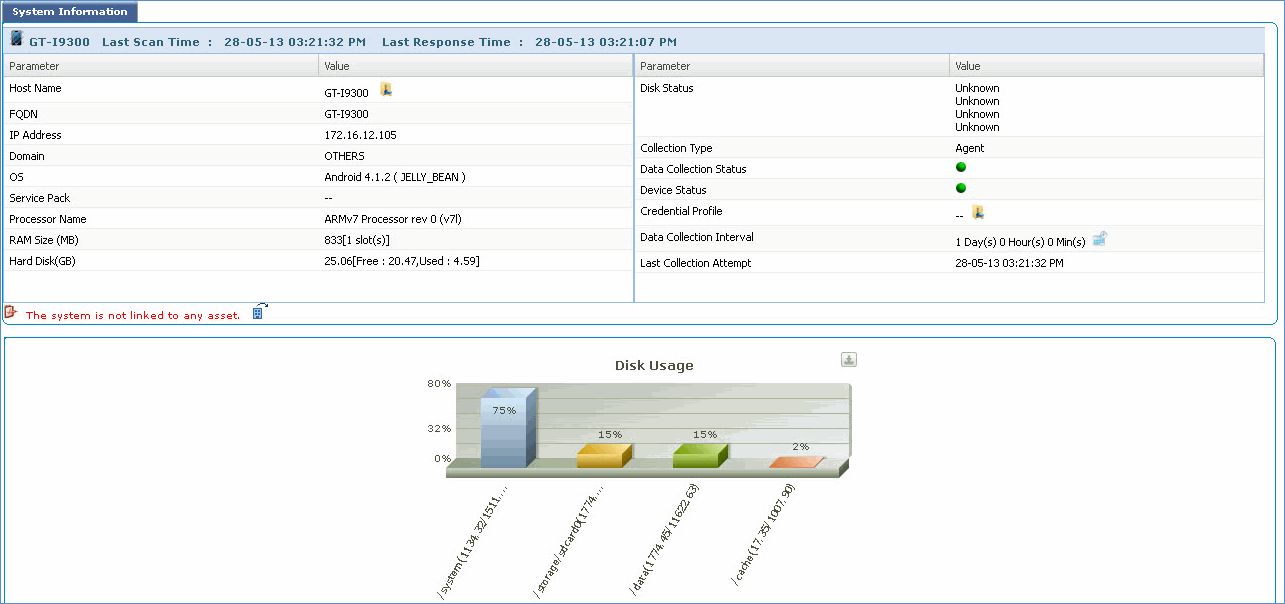
1. The ‘Summary’ tab displays detailed system information
2. The ‘Hardware’ tab displays the hardware details of the system captured in the following views:
Processor
Physical Memory
Disk
Network Adapter
BIOS
Multimedia
Peripherals

3. The ‘Software’ tab displays the software details of the system captured in the following views:
Operating System
Installed Softwares