
If you have been given access to offline reports, you can view the reports after logging-in.
Click on 'Offline Reports' in the Reports tab or alternatively click on the arrow against the specific report in the Scheduled Reports tab. The offline reports are listed.
Click on  to open the search filter
panel.
to open the search filter
panel.
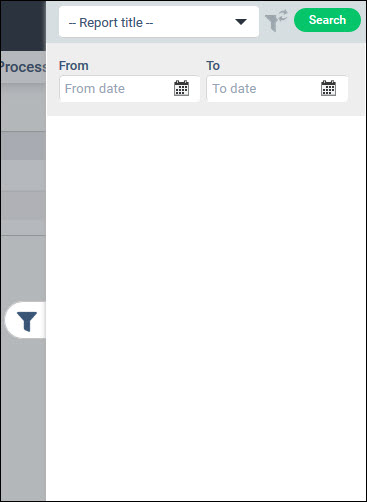
Select the 'Report Title', enter the 'From' and 'To' dates and click on 'Search'. The specific reports in a given time period are displayed.

Click on the report name. The report is opened in the browser using the appropriate viewer.
To delete an offline report select a report and click on 'Delete'.