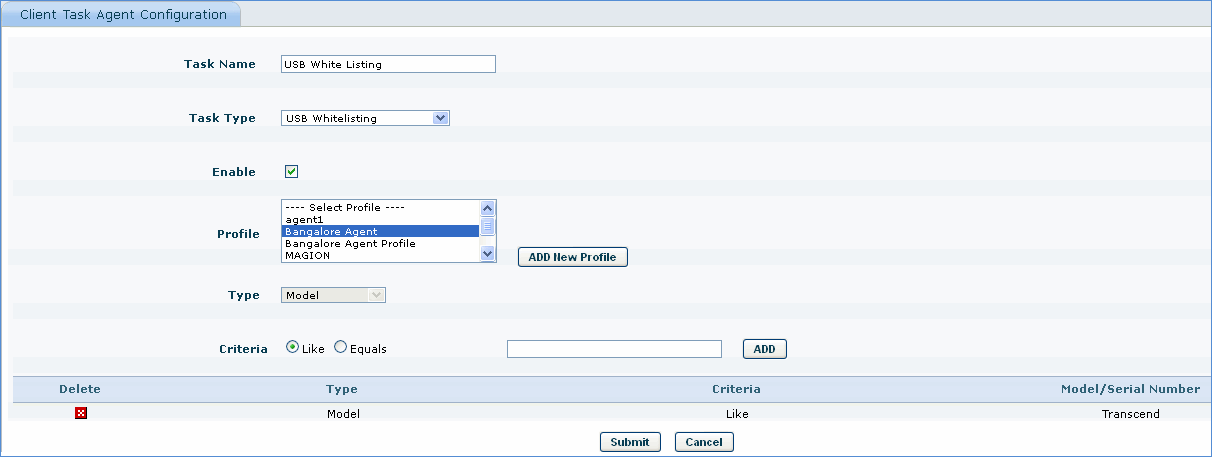
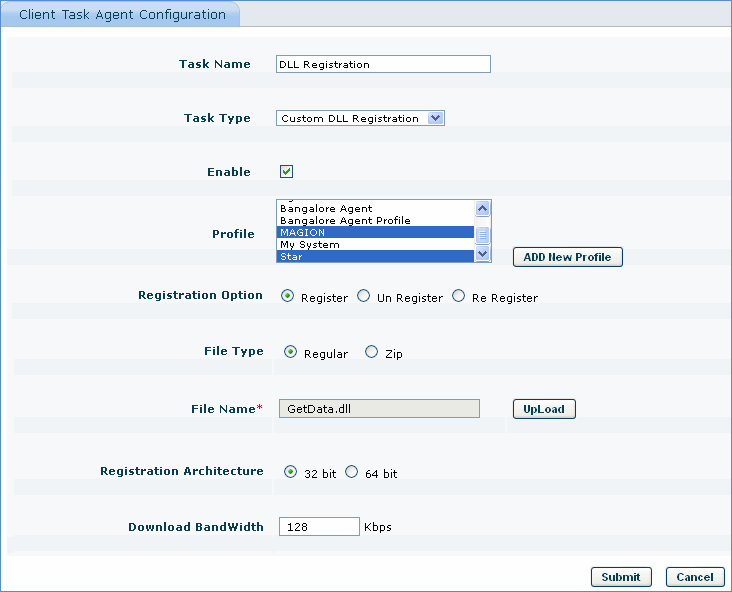
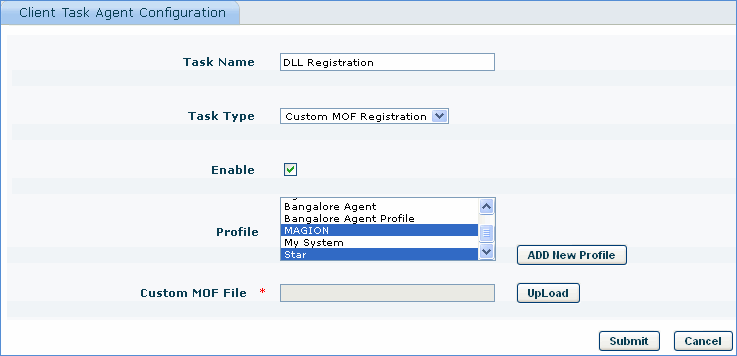
SapphireIMS agent is designed to address different task operations like USB end point protection, registering DLL's to get data etc.
The following task explains the application of USB end point protection in SapphireIMS.
Before you configure an agent task, you need to create an agent profile first using 'Profile Manager'
1. Click the 'Settings' tab. In the 'Software Management' section, click 'Profile Manager'
2. In the 'Rule Type' drop down, select 'Extend Agent Profile'
3. Click the 'ADD' button
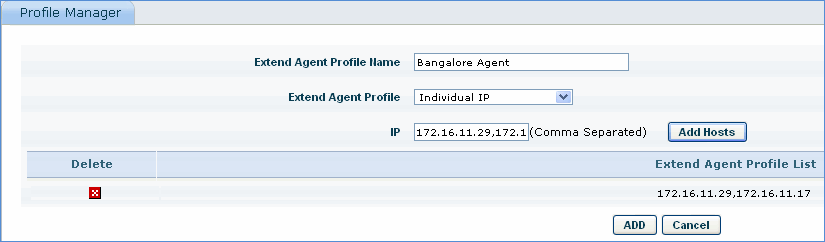
4. Enter the 'Extend Agent Profile Name'
5. Select the criteria for the agent profile. In the example shown above, 'Individual IP' is selected as the criteria.
6. Based on the criteria selected, enter the values.
7. Click 'Add Hosts' and click 'ADD' to save the agent profile
Note: You can select agent as well as agent less nodes for the 'Extend Agent Profile'.
Click the below topics to view detailed information on the same
Note: You can view the status of the agent task in the 'Client Task Agent Details' tab and you can view the agent health details such as agent version, system status, version compliance, job submitted time etc. in 'Client Task Agent Health' tab