Roles: Service Desk Supervisor, Service Desk Engineer
Functional escalation can be used to escalate the incident in the initial diagnosis stage to more skilled service desk engineers who can deliver the next level of support. This involves reassigning the incident to the next tier support group.
A service desk engineer can functionally escalate the incident to the next more skilled service desk engineer by following the steps mentioned below.
1. Select the 'Incident' from 'Incident' > 'My Incidents' tab or 'Incidents' > 'All Incidents' tab or search for the incident. Click the incident which is in the 'Assign' state.
2. While viewing the incident, click the tab labelled 'Functional Escalation' in the 'Quick Links' section of the page.
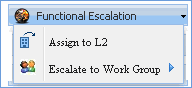
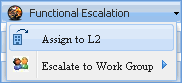
3. Select 'Assign to L2' state or 'Escalate to Workgroup' to display the 'Change State' window.
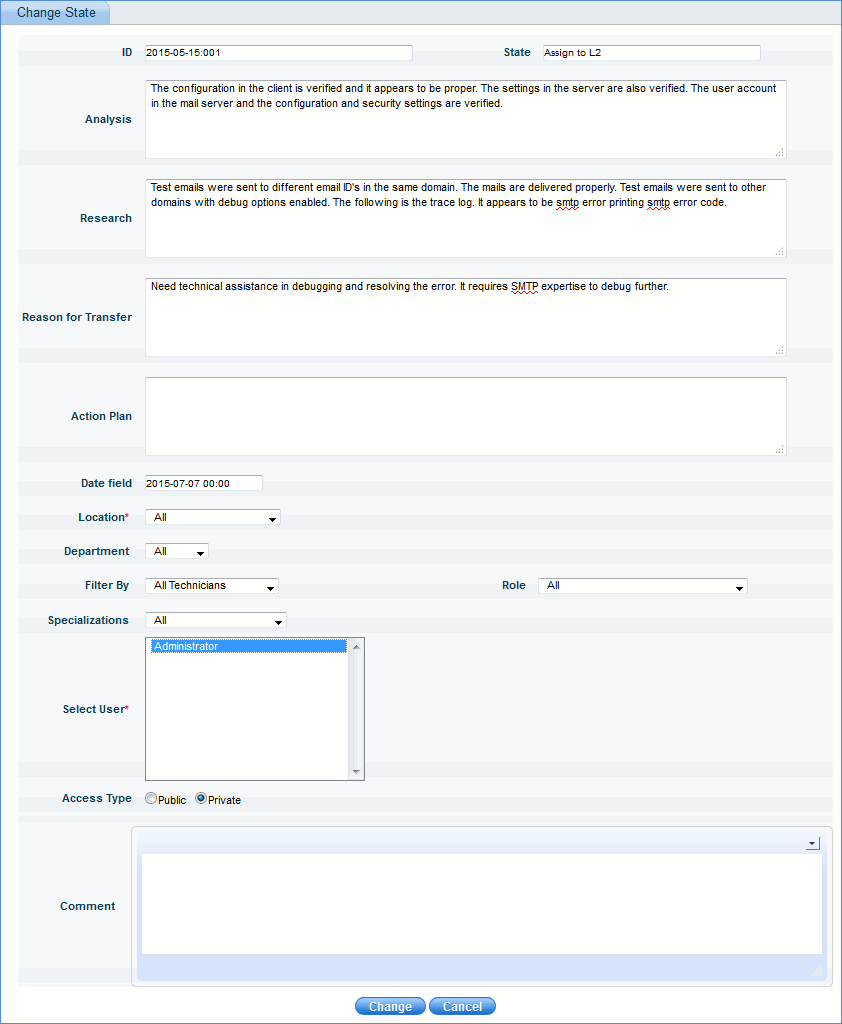
4. Type appropriate details, select the user and click 'Change'.
5. The incident is functionally escalated to the selected service desk engineer.
Escalate the incident to level 2 engineers by selecting 'Assign to L2' and entering the necessary details.
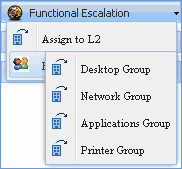
The incident can be functionally escalated to a group of service desk engineers. To escalate, click 'Escalate to Workgroup' and select the respective workgroup. The incident will be successfully escalated to the selected workgroup.