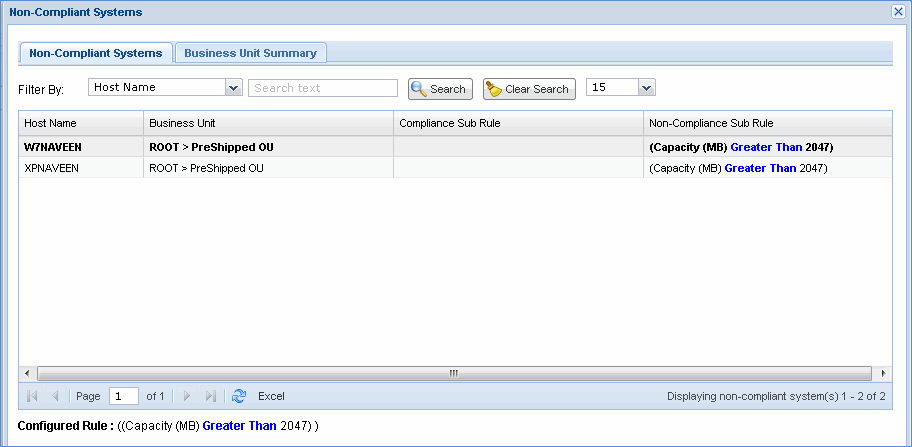
IT compliance or IT policy license reconciliation is performed for all managed nodes in the network against the IT policy compliance rule for a particular organization unit. The IT compliance module performs the IT policy audit check of the IT policies with the actual inventory data collected with respect to an organization unit. This helps the organization to identify the IT policy compliance/violation details.
To view IT policy compliance and violations of your organization follow the steps given below.
1. On the SapphireIMS menu, point to 'Inventory' and click 'Compliance' > ‘IT Compliance’ tab. This displays all the rules that are defined in Settings > Asset and Inventory Management Section > Compliance > IT Policy Compliance Rule section.
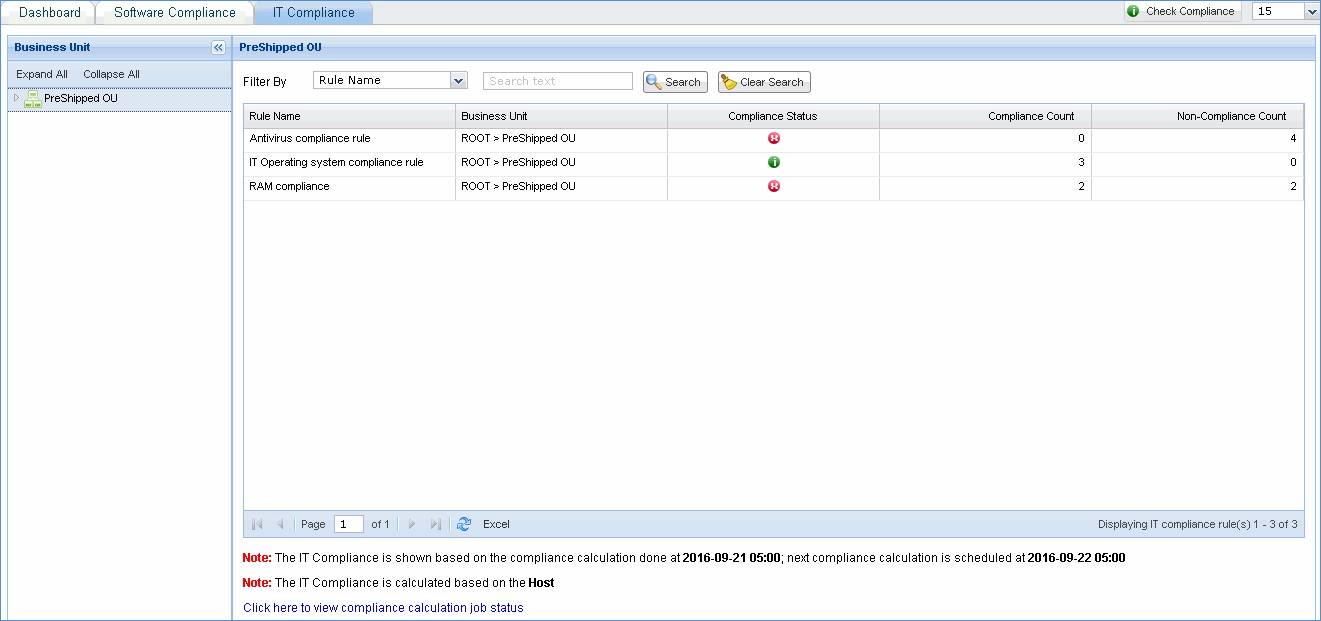
2. Compliance Count displays the number of hosts that are compliant with the rule. Click on the respective count to view the host names.
3. Non Compliance Count displays the number of hosts that are non compliant with the defined rule. Click on the respective count to view the host names.