Roles: Service Desk Engineer
Some incidents can directly result in the implementation of a change request. SapphireIMS service desk allows you to open change requests from existing incidents i.e. an RFC can be submitted from Incident Management itself.
To Open a change request from Incident Management
1. Select the 'Incident'/'Incidents' from 'Incident' > 'My Incidents' tab or 'Incidents' > 'All Incidents' tab or search for the incident.
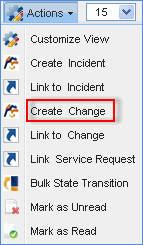
2. Click the 'Actions' tab and select 'Create CR'
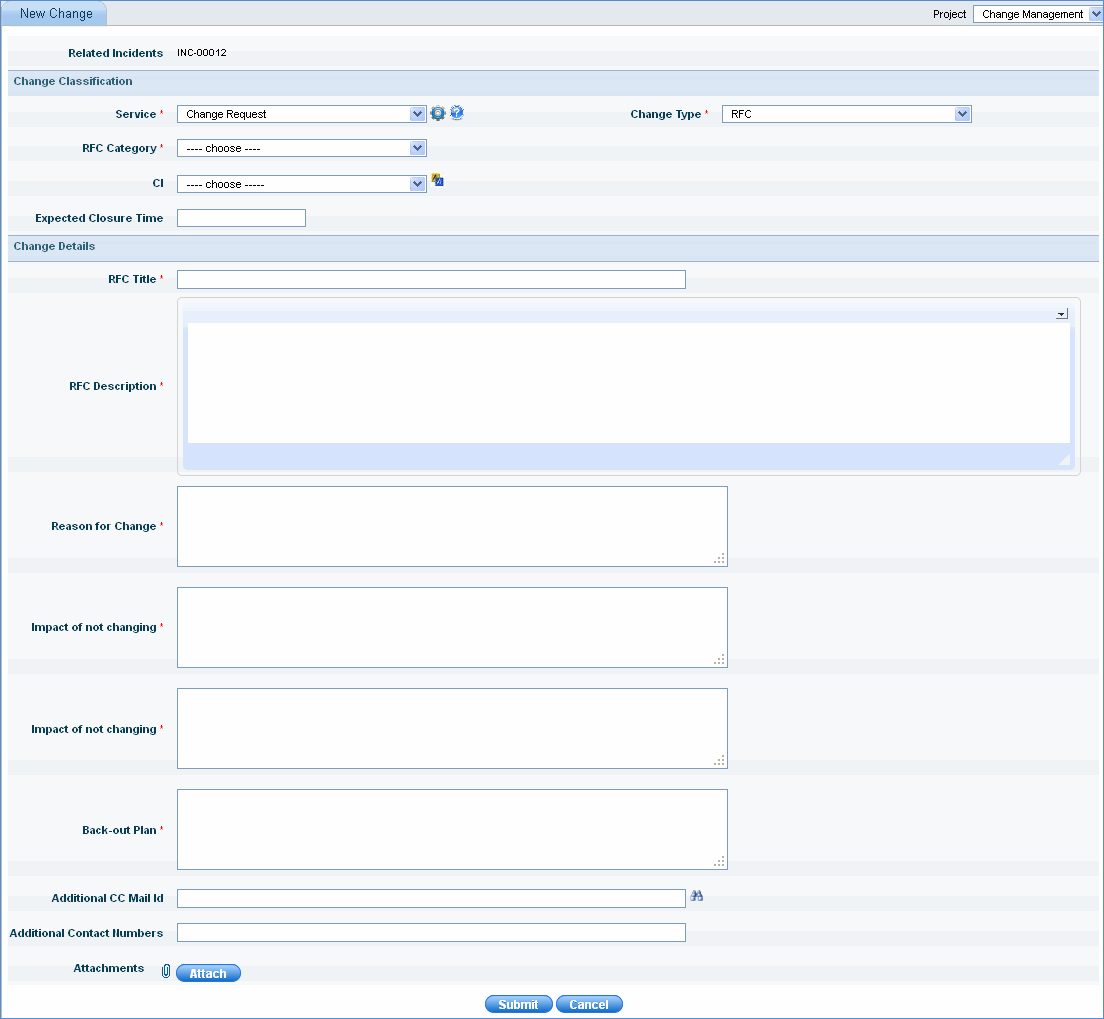
3. In the 'New Change' form, type necessary details that are marked red and click 'Submit'.
4. A change record is submitted successfully. You will receive a confirmation message similar to the one shown below.

A service desk engineer can submit an RFC from incident management by linking multiple incidents together. A new change can be created from multiple incidents or multiple incidents can be linked to the existing change. After linking the incidents to change it follows the change management process.
If multiple incidents need to be linked with the existing change ID then follow the steps below
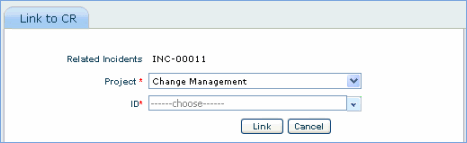
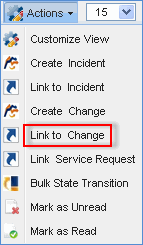
1. Select the incidents in 'My Incidents' screen and from 'Actions' drop down select 'Link to CR'
2. From 'ID' drop down list box select the existing change ID and click 'Link'