Roles: Service Desk Engineer
At any point of time, if it is discovered that incidents were caused by an outstanding problem which can impact the organization, it should be immediately used to submit a new problem record. The more the number of related incidents, the greater is the impact caused by the problem.
Incident Management has the facility for new problems to be submitted from the already submitted incidents. This can be done at any stage of the incident.
To Open a Problem from Incident Management
1. Select the 'Incident'/'Incidents' from 'Incident' > 'My Incidents' tab or 'Incidents' > 'All Incidents' tab or search for the incident.
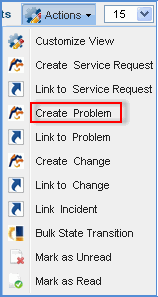
2. Click the 'Actions' tab and select 'Create Problem'
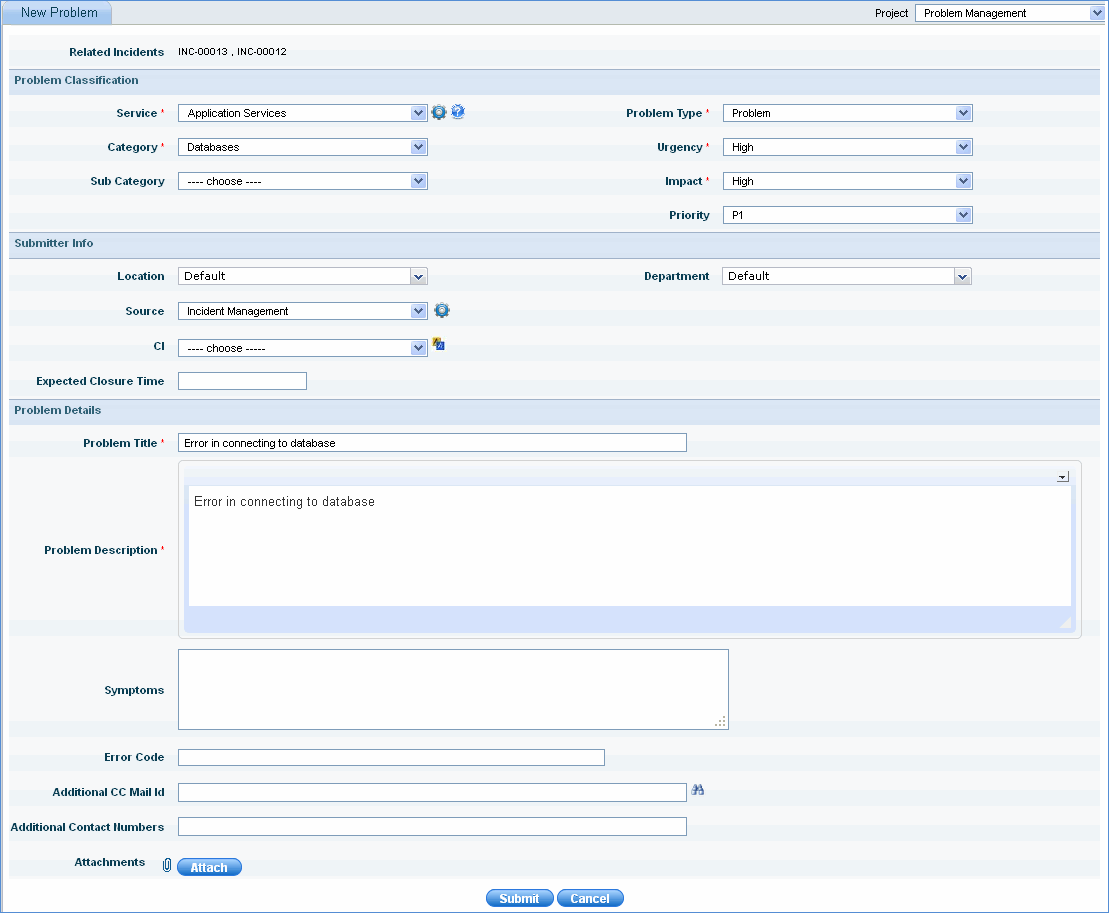
3. In the 'New Problem' form, type necessary details like 'Problem Title' and 'Problem Description'. Select Category, Sub Category, Urgency, Impact and click 'Submit'.
4. Problem is submitted successfully. You will receive a confirmation message similar to the one shown below.

Once the incidents have been diagnosed and investigated it can be linked to problem in 'Problem Management'. If there is recurrence of incidents of similar nature then it can be linked with the existing problem.
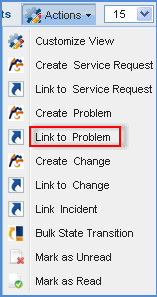
If incidents of a similar nature occur to the ones that has already been linked to the problem, it can be added to the existing ‘Problem ID’ by following the steps below:
1. Select the incident/incidents. From the ‘Actions’ drop down select ‘Link to Problem’
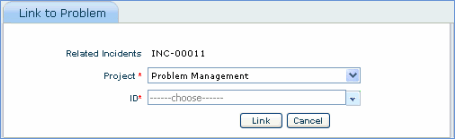
2. Select the ‘ID’ and click Link
Note: Incidents that have already been converted to problem cannot be linked with any other problem ID