Roles: Problem Support Engineer
After the known error record is created, it is published to KEDB for reviewing the content of the known error article.
The following steps illustrate how a known error record is published to KEDB.
1. Select the 'Problem' from 'Problem' > 'My Problems' tab or 'Problems' > 'All Problems' tab or search for the problem. Click the problem.
2. While viewing the problem, click on the 'Relationships' tab to view the Known Error
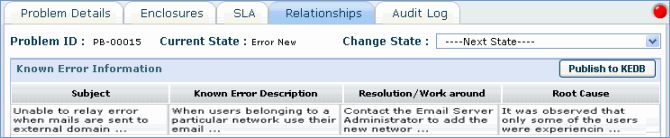
3. Click on ‘Publish to KEDB’ button to publish the known error record to KEDB.
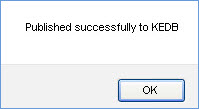
4. A confirmation message will be displayed after the known error is successfully published.