
A service desk user can reopen the service request after the service request is moved to the 'Close' or 'Cancel' state.
The following section lists down the steps to reopen the service request
1. Go to 'Service Request' > 'My Requests' tab or 'Service Request' > 'All Requests' tab or search for the request. Click the request that is in ‘Close' or 'Cancel' state.
2. In the 'Change State' drop down, select 'Re-Open'
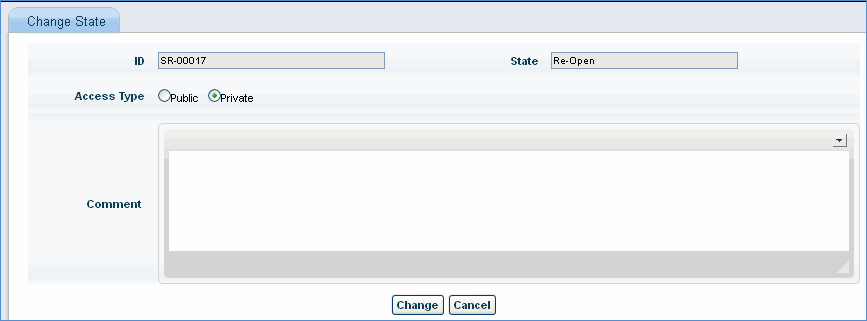
3. Enter comments for moving the state to 'Re-open' and click 'Change' to change the state of the record to 'Re-open'
Note: The service desk user must be configured with the permission to re-open the record in the service request project workflow.