Software compliance or software license reconciliation is performed for all managed nodes in the network against the software license information for a particular organization unit. The license compliance procedure performs a check of the license data entered with the actual data collected on the network. This helps the organization to identify license compliance/violation details, as well as plan for new license procurement.
Note: To define license information, go to Settings > Asset and Inventory Management > Compliance > Software Licenses
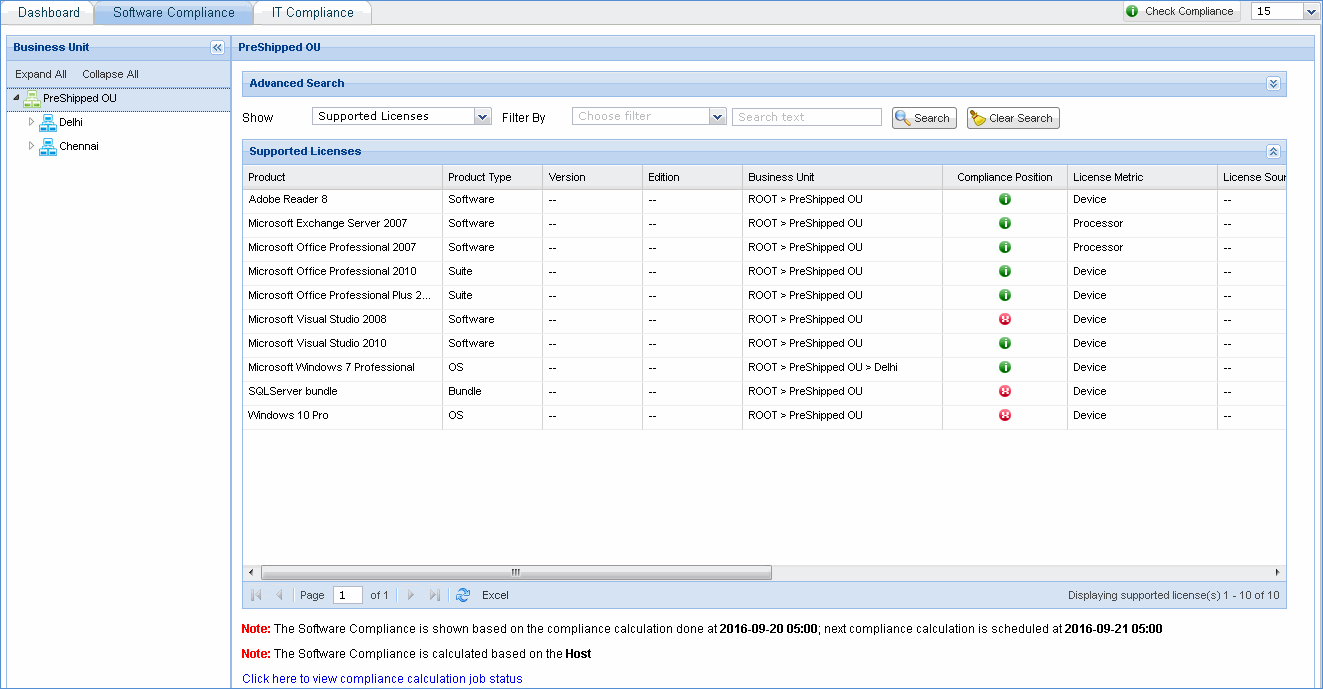
To view the software license usage and license violations in your organization, click 'Check Compliance' to run the license compliance test and see the results instantly.
On the SapphireIMS menu, point to 'Inventory' and click 'Compliance' > 'Software Compliance' tab. This screen shows the software compliance status of the organization. In the 'Show' drop down box, select 'License Agreements', 'Software Licenses' 'Supported Licenses', 'Unsupported Licenses' or 'Non-Tracked Products' to view the compliance status of the same.
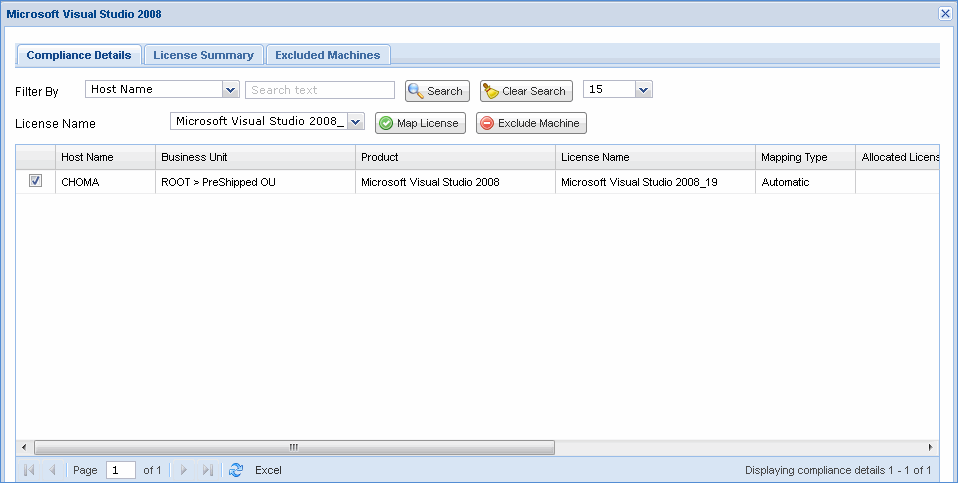
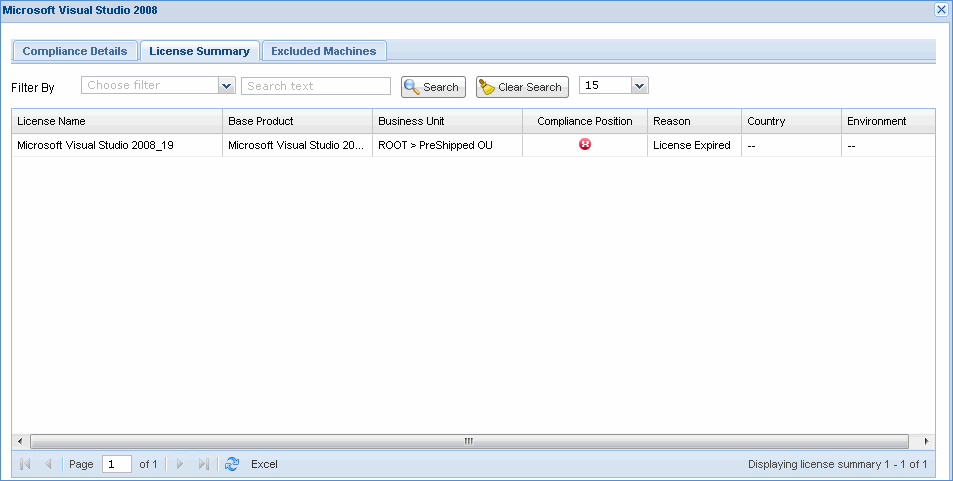
Click the below link to view supported license details
License Agreements
This screen displays all the license agreements with the respective expiry status.
Software Licenses
This screen displays all the software licenses with the respective expiry status.
Unsupported Licenses
This screen displays all the software licenses for which reconciliation is not supported.
Non-Tracked Products
This screen displays all products which are categorized as 'Commercial' during normalization but without license defined for the same.