The system provides comprehensive overview screens to get quick information about inventory as well as fault details.
SapphireIMS has extensive inventory data collection capabilities. Click here to refer to the list describing the inventory data that is collected from the target devices. The inventory data is collected for the discovered devices.
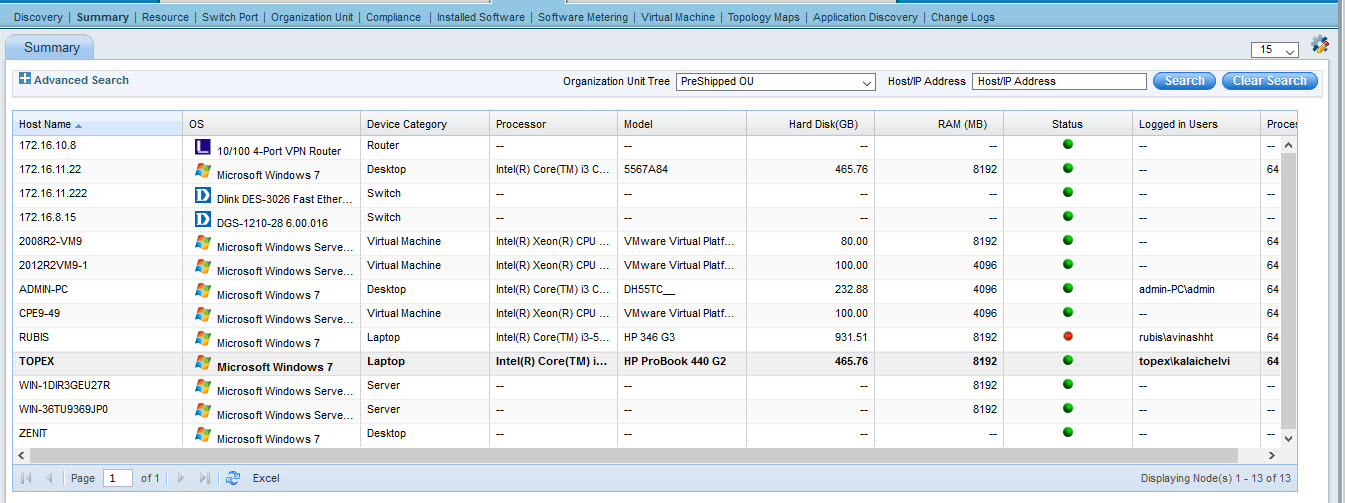
Click 'Inventory' menu and click 'Summary'. To view the inventory information, of a specific device click the device to display the inventory details page. 'Summary' gives the details of the discovered nodes as shown below.
Click ‘Customize’
icon  to
add or remove fields to the listing page.
to
add or remove fields to the listing page.