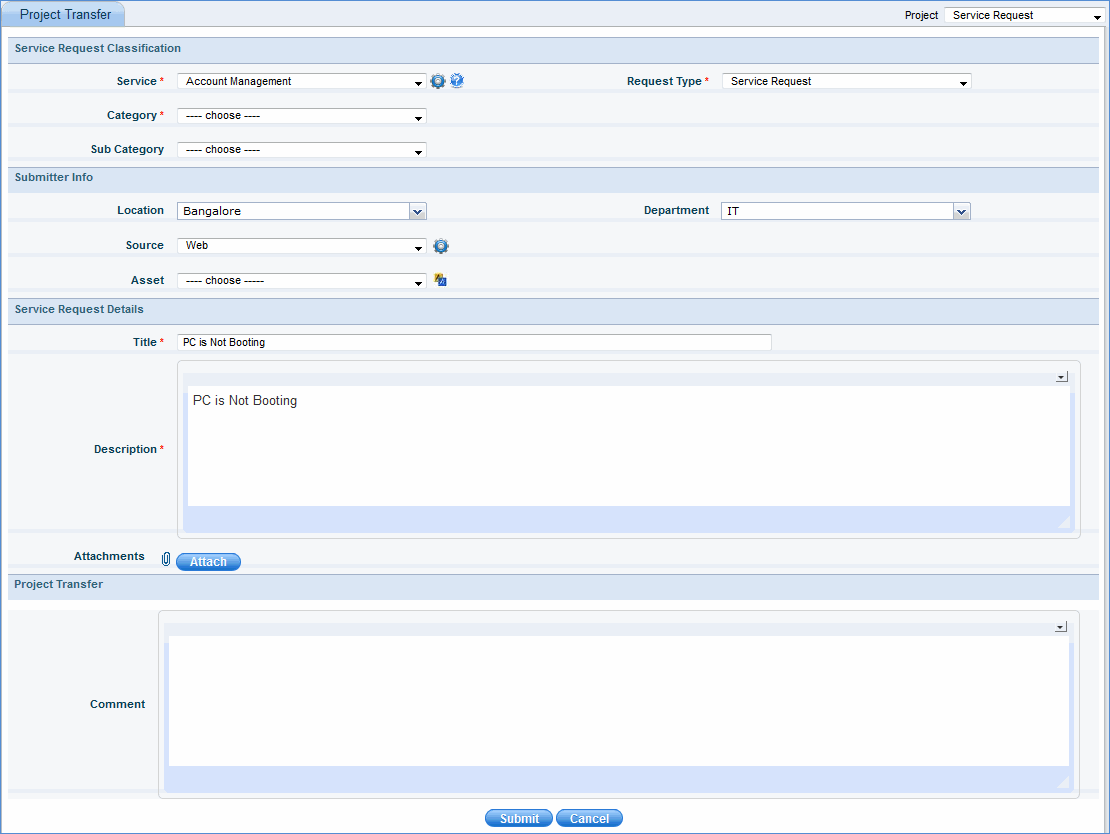
Incident Management project provides an option to transfer the incidents to 'Service Request Fulfillment' project. This is required if a user submits an incident instead of a service request. This incident can then be moved to the service request project.
To transfer an incident, click 'Incident' > 'My Incidents' or 'Incident' > 'All Incidents'
1. Click the incident that needs to be transferred
2. In 'Quick Links' panel, click 
3. In the 'Project' drop down list box located on the top right corner of the page, select the project . Incident will be transferred to this project.
4. Click 'Submit'. The incident will be submitted as a new service request in 'Service Request' project.
Notes:
This icon is visible only to those users who are allocated ‘Inter Project Admin’ role. This feature allows you to transfer the service desk record from one service desk project to another.
While transferring, Title and Description fields will be forwarded.
Notification mails to the owner/ submitter of the record or project manager are sent based on the configuration of the notification rule in the project settings.
Comments for a project transfer are visible in the 'Audit Log' of the project to be transferred as well as in the 'Audit Log' of the transferred project