
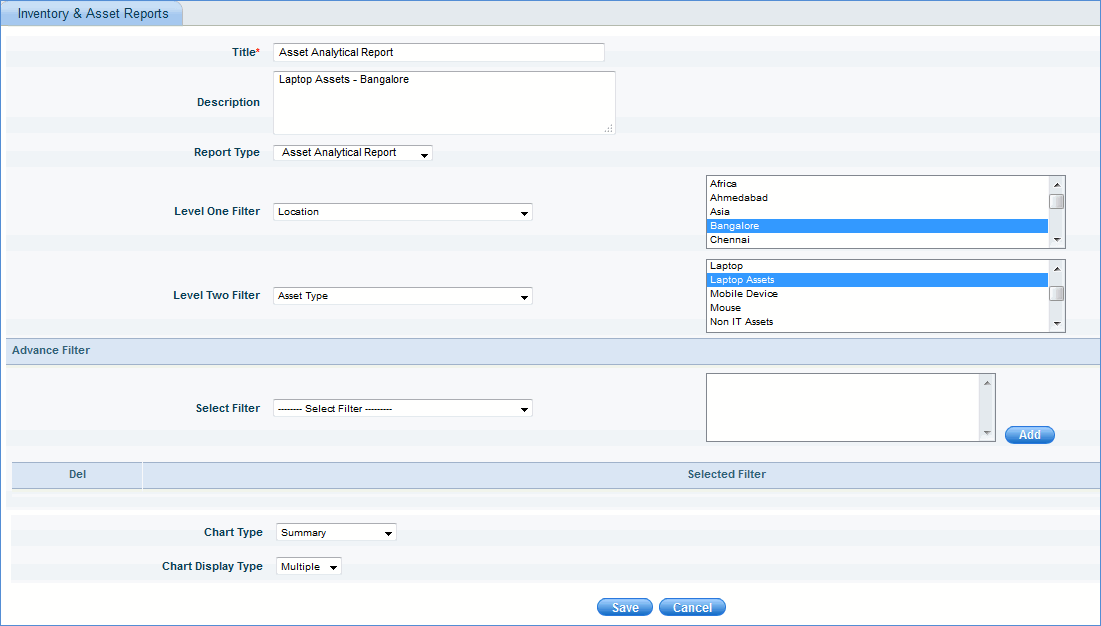
This report gives a detailed view of all the asset count in the network. Option is provided to filter the data based on the fields selected in the different levels of filter.
1. Click 'Reports', 'Inventory & Asset Reports'
2. Click the ‘Asset Analytical Reports’ link. Click the ‘Add’ button.
Please refer to the image below.
[ Home | Top of page | Previous Page | Next Page ]