This topic provides details on viewing the elements discovered in Cloud Discovery. SapphireIMS supports discovery of cloud infrastructure on Azure. Cloud Discovery needs to be configured to enable collection of inventory periodically. Refer to the topic Settings->Asset and Inventory Management->Discovery Profiles and Wizard->Cloud Discovery on steps to configure the Cloud Discovery Rules. The Cloud infrastructure can be viewed in accordance with the hierarchy of Management Groups, Subscriptions, Resource Groups and Resources.
Click on 'Inventory'. Click on 'Cloud Discovery' tab. The Management Group summary is displayed.
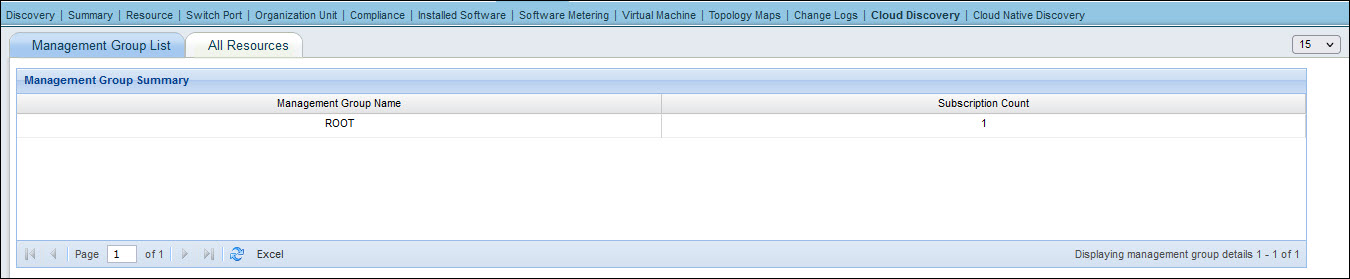
Click on a 'Management Group Name' to drill down and view the subscriptions.
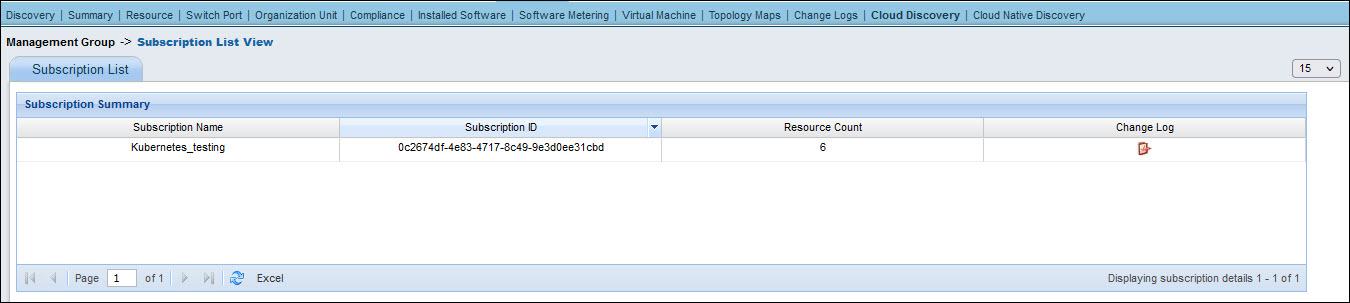
The number of resources in each subscription is displayed. Click on change log icon to get the list of changes in the subscription.
Click on a subscription to drill down into the resources in the subscription.

Click on any resource type to drill down to get the details of an individual instance of a resource type. To view the VMs, click on 'Virtual Machines'.
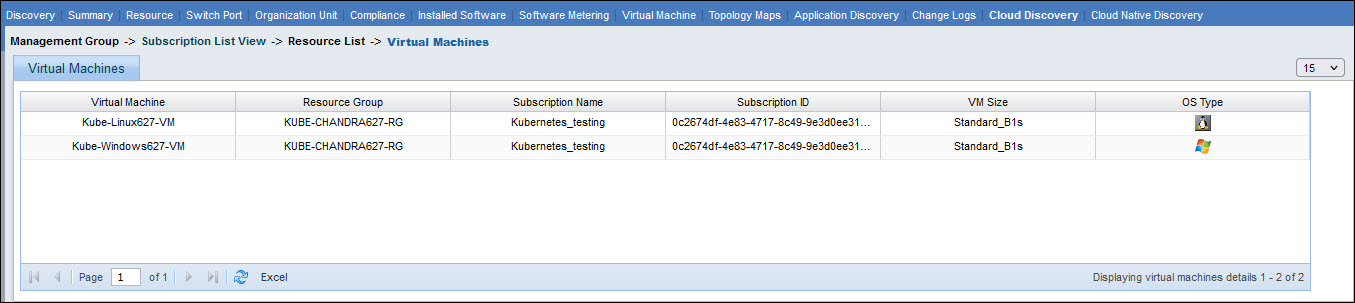
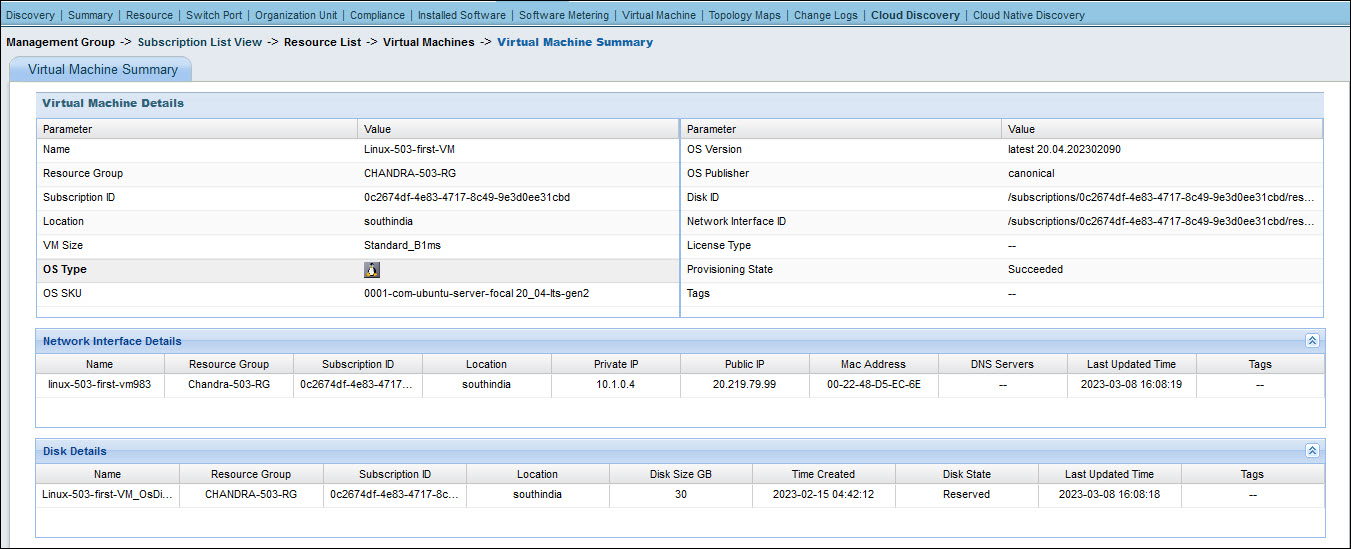
Click on any VM to get the detailed inventory information for that resource.
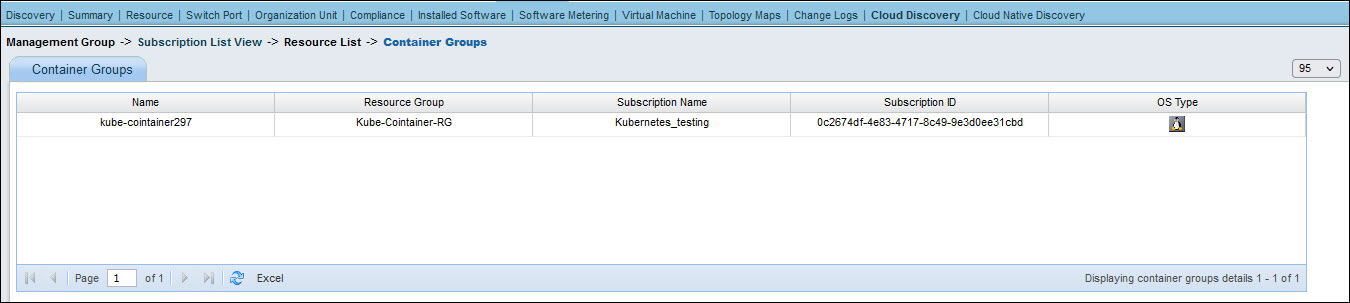
Similarly in the resource list, click on 'Container Groups' to get a list of container groups.
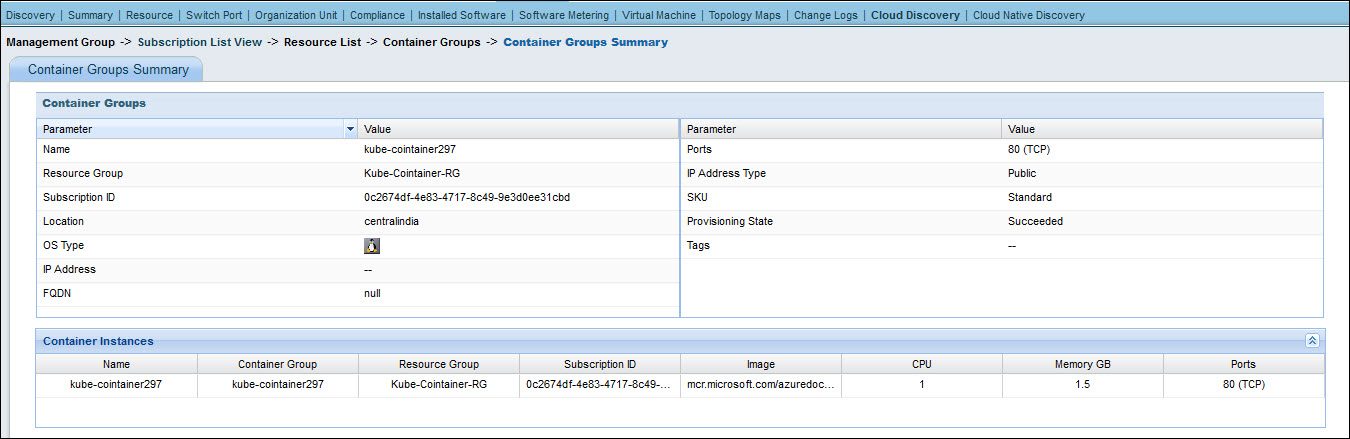
Click on a Container Group to get the summary of the container.
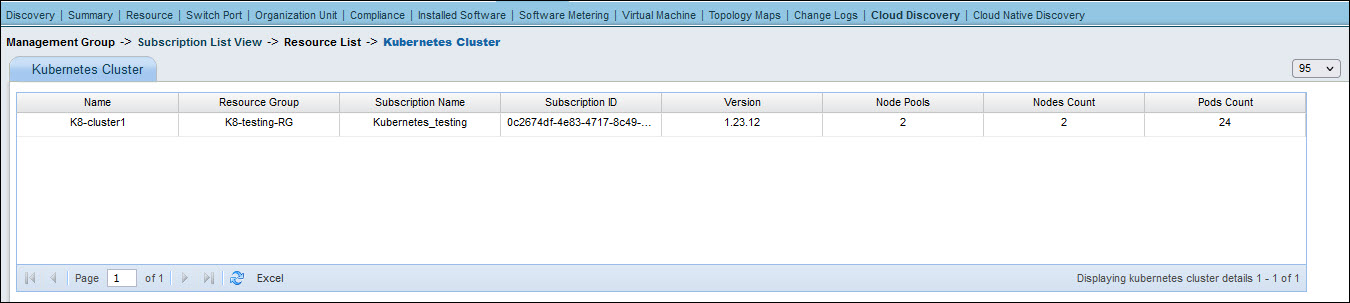
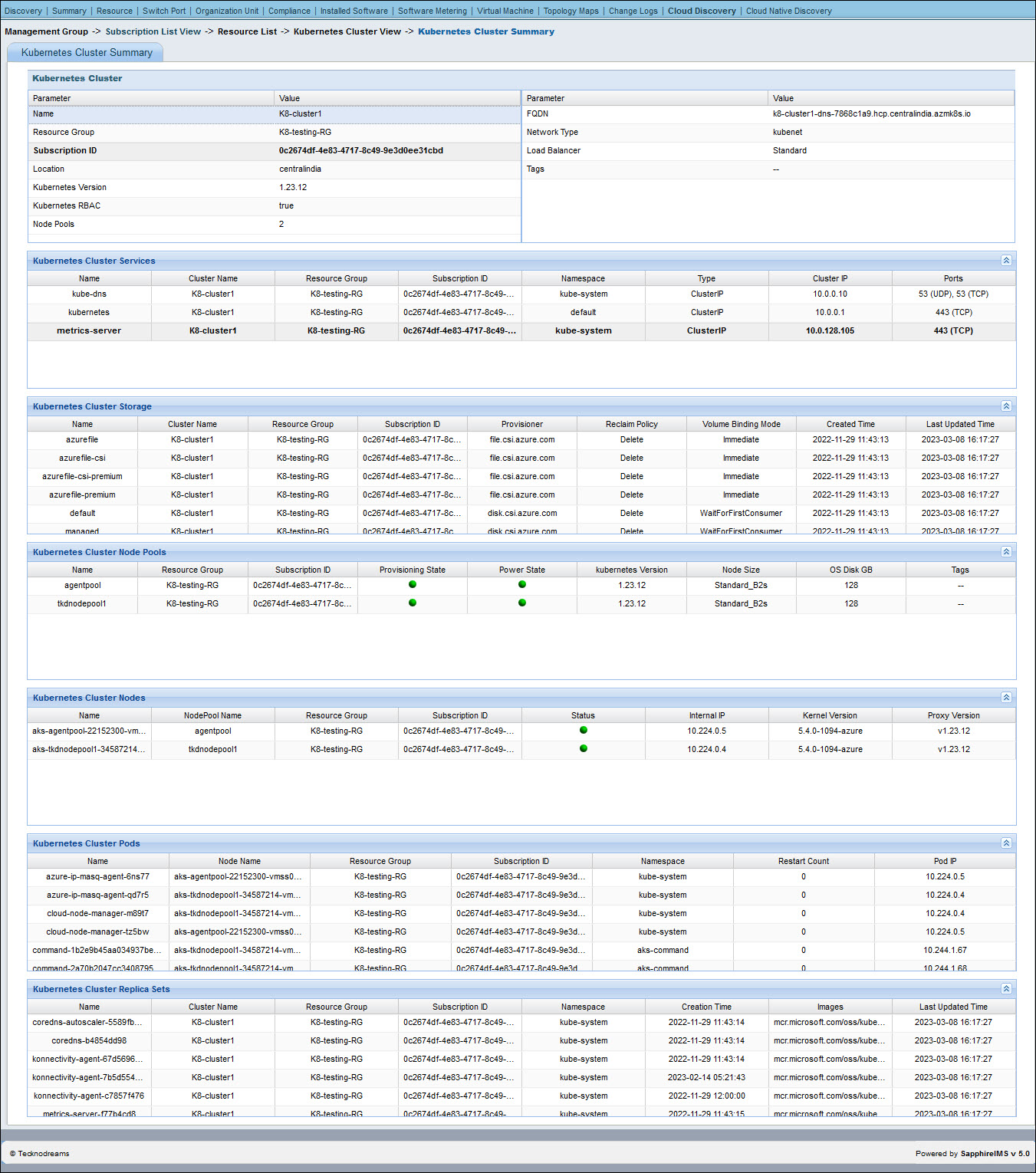
On the resource list page, click on 'Kubernetes Cluster' to display the list of Kubernetes Clusters.
Click on a Kubernetes cluster to get the summary.
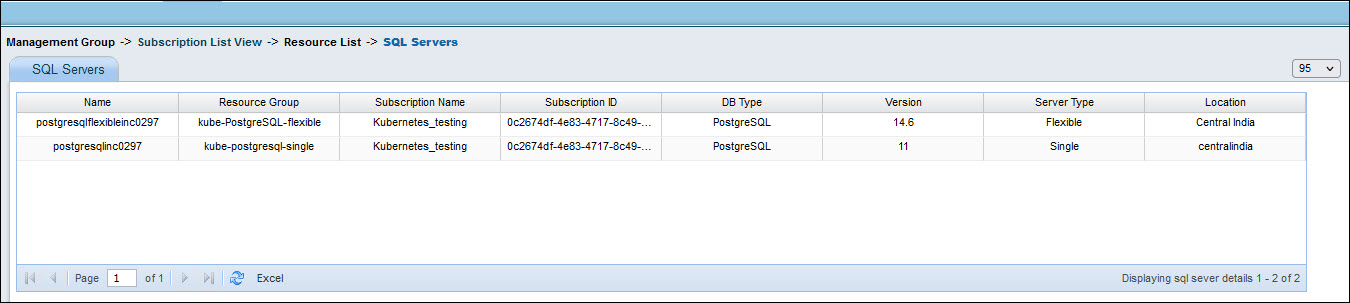
On the resource list, click on 'SQL Servers' to display the list of SQL Servers.
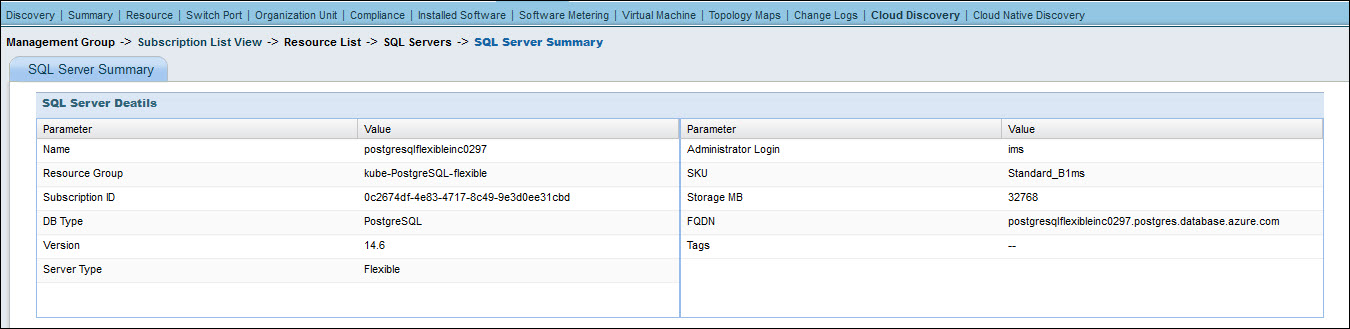
Click on any SQL Server to get its summary.
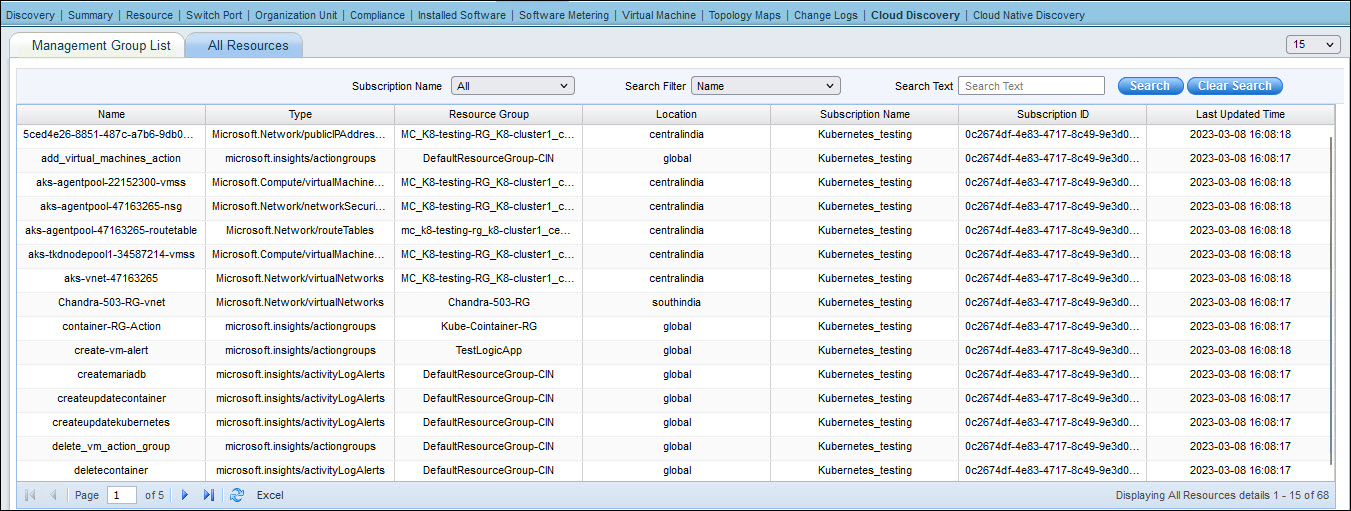
In the Cloud Discovery tab, if you click on 'All resources' the entire list of resources is displayed.