
This topic provides details on viewing the elements discovered in the Cloud Native Discovery. SapphireIMS can discover Kubernetes or OpenShift orchestration platforms as well as Docker Containers. Cloud Native Discovery needs to be configured to enable collection of inventory periodically. Refer to the topic Settings->Asset and Inventory Management->Discovery Profiles and Wizard->Cloud Native Discovery on steps to configure the Cloud Native Discovery Rules.
To view the cloud native elements, click on 'Inventory'. Click on 'Cloud Native Discovery' tab.

The discovered clusters are displayed. Click on any of them to display the summary.

On the main tab, click on 'Discovered Native Docker Containers' to display the Docker containers discovered.
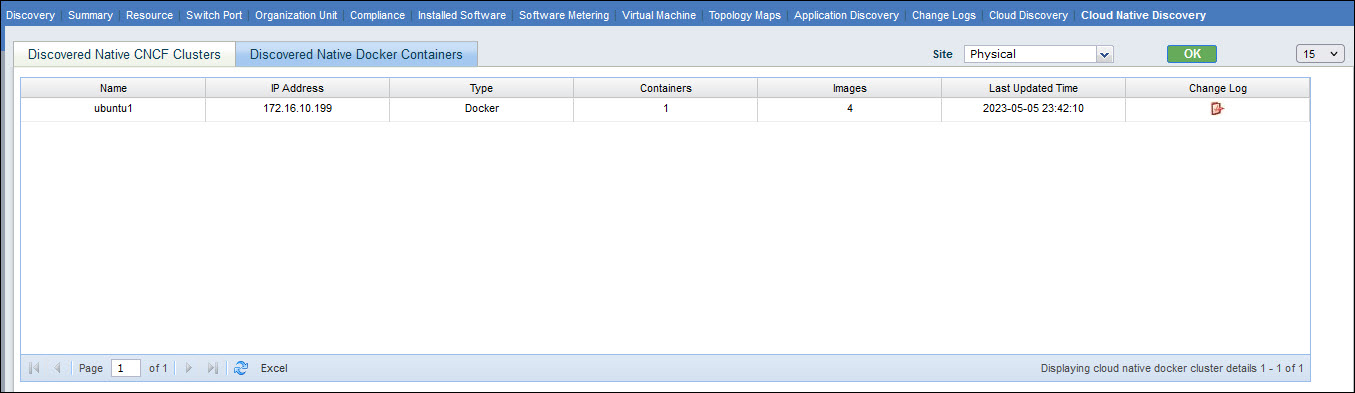
Click on a Docker instance to get the summary information.
