
IT compliance test can be performed across systems by configuring a compliance baseline rule which involves all the device parameters that SapphireIMS collects at the time of data collection. The parameter includes inventory fields, asset fields, service patches and service packs. The rule clearly states what the selected systems should be compliant for. The systems not matching with the configured rule are shown as non complaint systems. This helps in giving a quick regulatory compliance report.
To test the devices, software and service patches for IT Policy compliance, configure the compliance baseline rule as explained.
To manage IT Policy, perform the following steps
Click the 'Settings' tab. In the 'Asset and Inventory Management section, click 'Compliance'
In the 'Settings' panel, click 'IT Policy Compliance Rule'. All the user defined IT policy compliance rules are listed here. To add a new IT policy compliance rule, click 'Add'
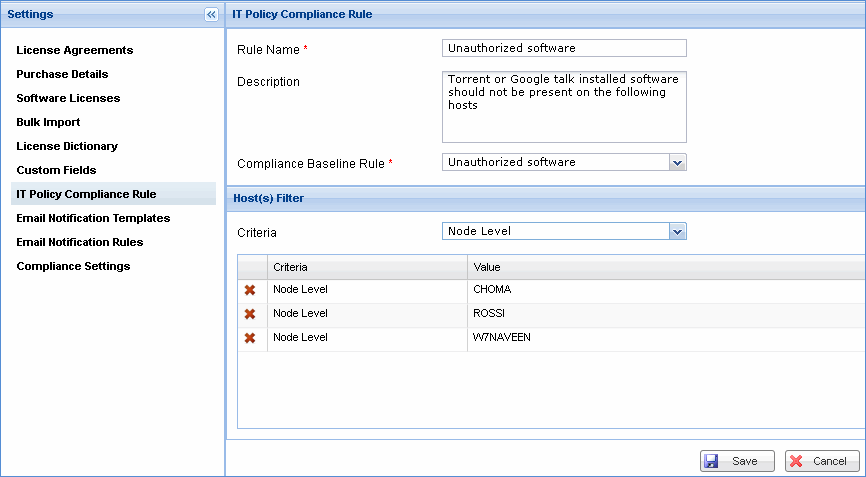
|
Note: Only users with 'Compliance Operations' roles privilege can update compliance rules. Users with only 'Compliance View' roles privilege can only view compliance rules