
The 'Password Recovery' page in User Management module helps you to define questions which can be used to reset your password. There a default set of questions pre-shipped and additional security questions can be added through this page. A question can be selected and answer added in the 'Preferences' page which can be accessed from the Home page. Refer Getting Started->Preferences for more details.
Click the 'Settings' tab. In the 'User Management' section, click 'Password Recovery'.
Click 'Add'.
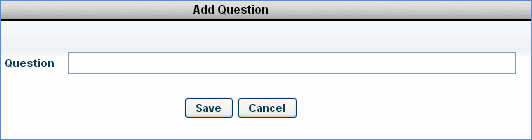
Enter the question to be used while recovering the user password and click 'Save'.
Refer Getting Started->Forgot Password to reset the user login password.