
Service Desk Reply Templates can be created to provide standard reply templates when sending a mail from a Service Desk Record using the 'Send Email' option. Refer to Service Desk->Service Desk Common Features->Sending E-mails for details on sending Email from a Service Desk Record.
Click on 'Email & SMS Notifications' option on the right hand side panel.
Click on 'Reply Template'. The list of available templates is displayed.

Click on any template to edit or click on 'ADD' to add a new template. The Template addition screen is displayed.
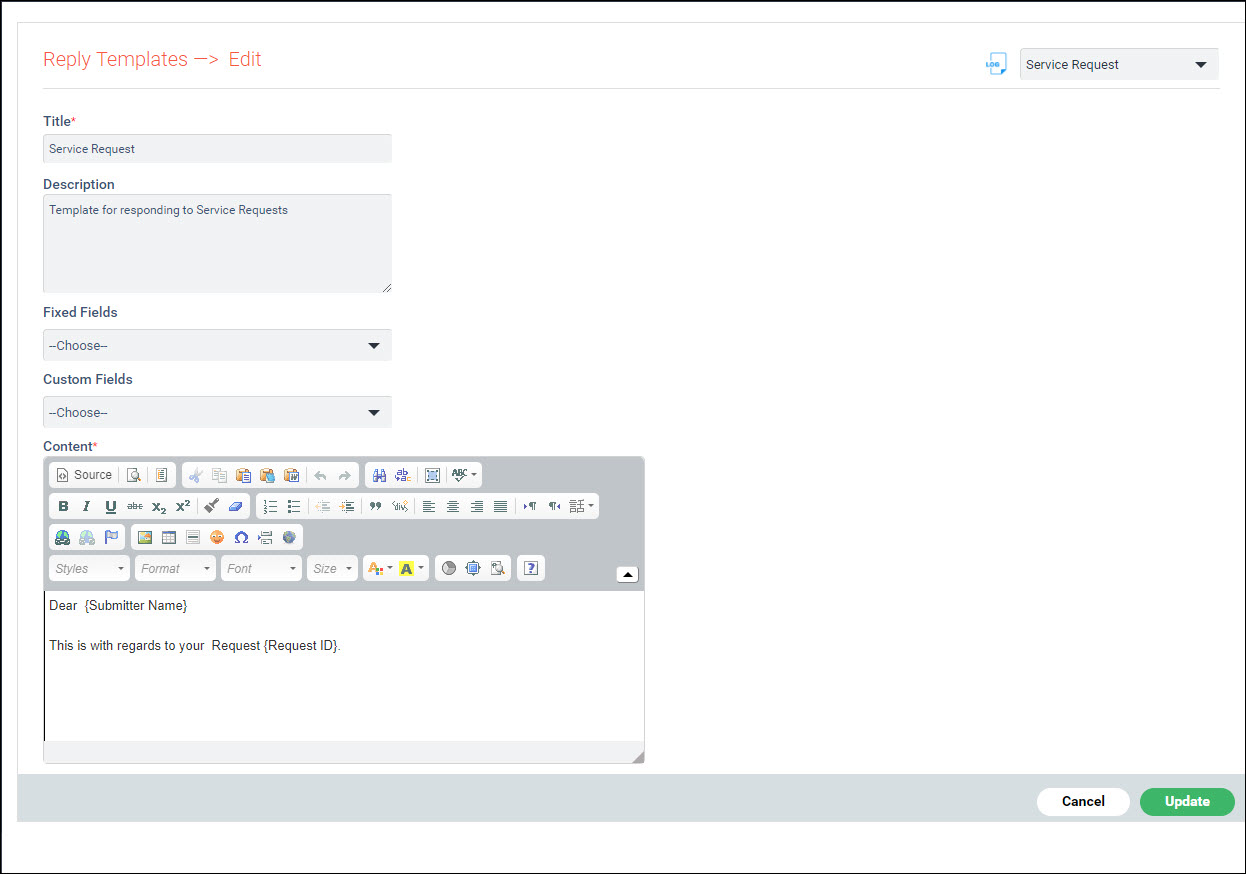
The fields are described below.
|
Click on 'Save' or 'Update' to save the template.
To delete a template, select the template in the list and click on 'DELETE'.
