
SapphireIMS Service Desk provides the feature to create templates for SMS notification. SMS notification can be sent in the same way that Email notification is sent with the facility to send notifications to more than one role.
Click on 'Email & SMS Notifications' option on the right hand side panel.
Click on 'SMS Notification Template'. The list of available templates is displayed.

You can click on a template to update or click on 'ADD' to create a new template. The template addition screen is displayed.
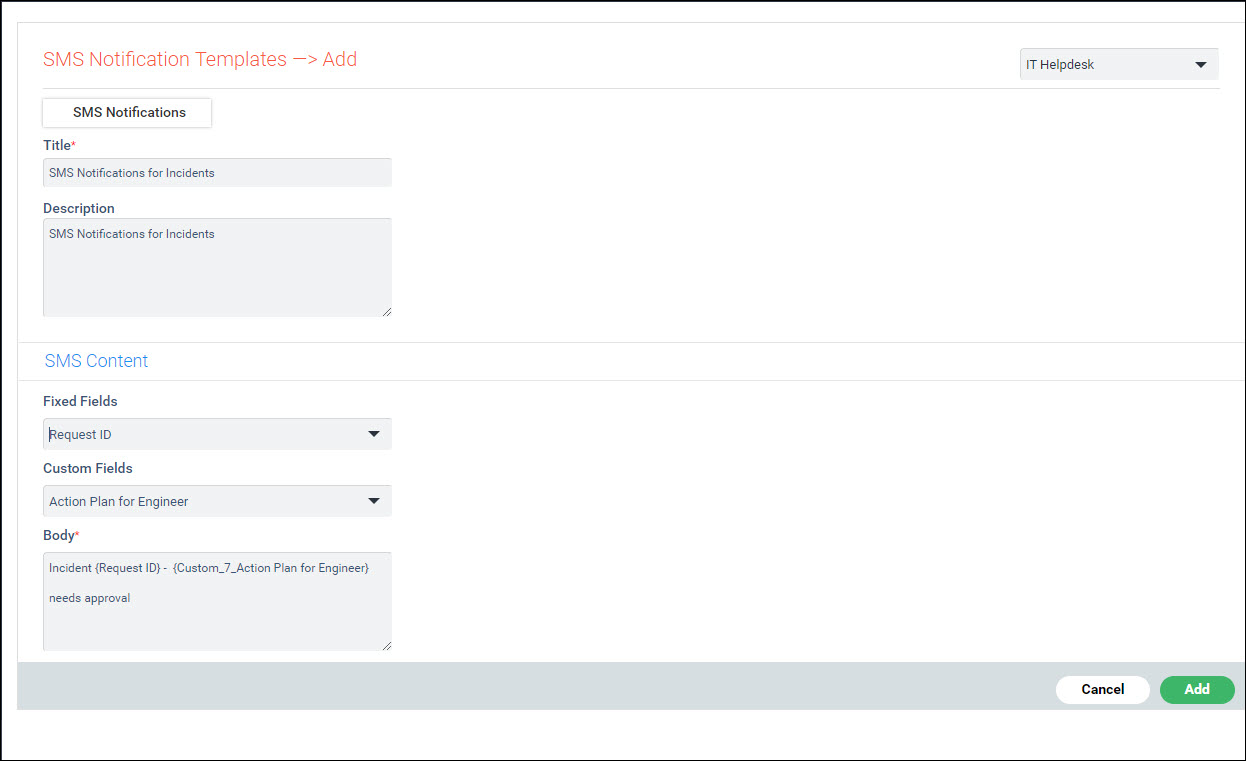
The fields are described below.
|
Click on 'Add'or 'Update' to save the template.
To delete a template, select the template in the list and click on 'DELETE'.
