After a successful discovery, all devices in the network are discovered. Data is collected for all devices which have appropriate discovery credentials. These devices are categorized as ‘Managed’ nodes and the data collection type/ data collection credential profile is mapped to the node accordingly.
For instance if a WMI profile (say WP1) is defined at a domain level, and a system under the domain is discovered, then the system collects data with the ‘WMI’ data collection type and is mapped with the data collection credential profile ‘WP1’
If a device is discovered and if data collection is not possible with any of the supplied credentials then the device is classified as ‘Un-Managed’. The following section describes the user interface to manage the discovered systems.
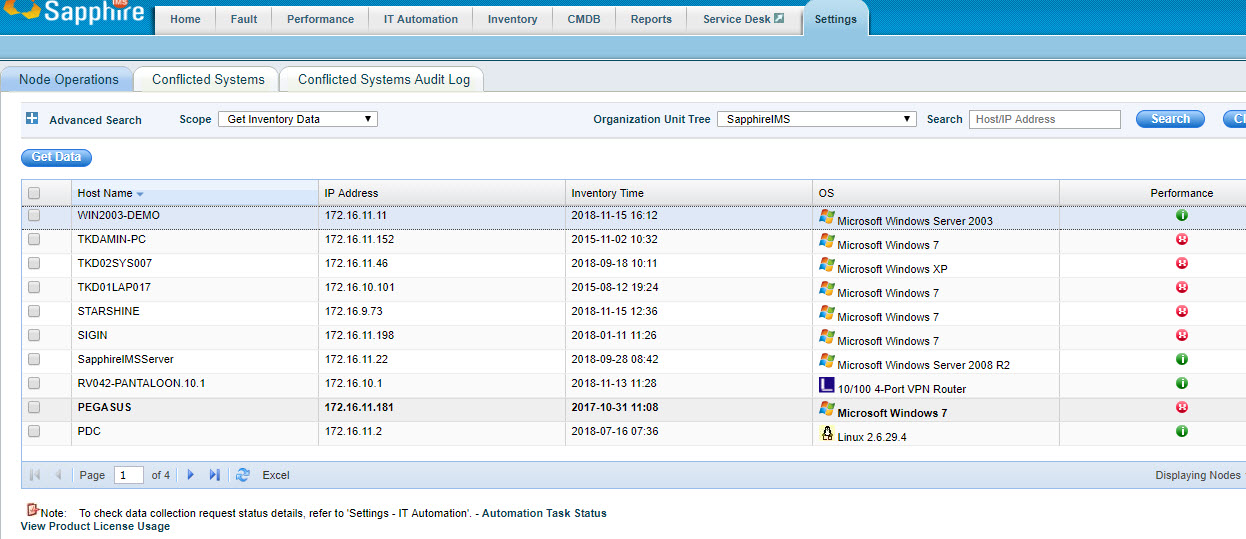
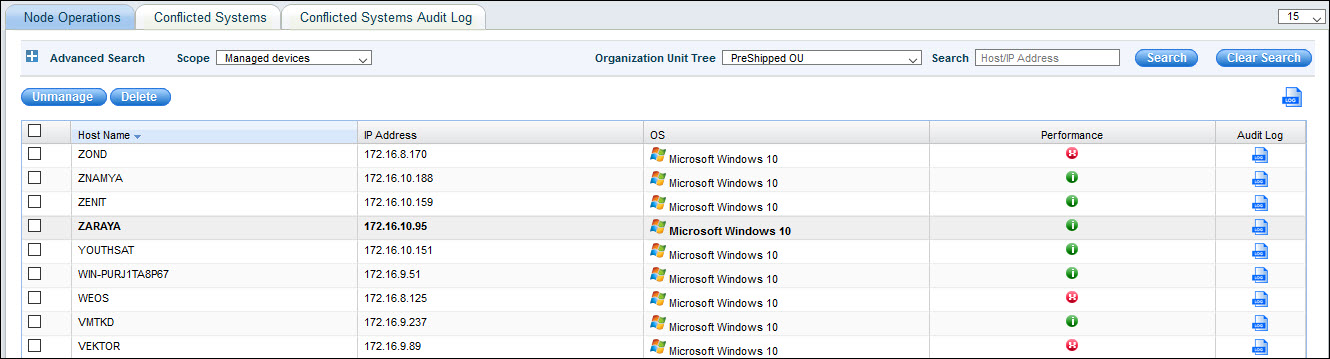
1. Click the ‘Settings' tab. In the 'Asset and Inventory Management' section, click 'Node Operations’. All the managed devices are listed here.
2. Select 'Unmanaged' from the 'Scope' drop down. To get more details as to why the device is classified as un-managed click 'Click here to diagnose' to get crucial insights like
Rule using which the device was discovered
Profiles and data collection types using which data collection was attempted for the device and error details in case of unsuccessful data collection
3. Use the check boxes to select the devices that need to be managed and click the ‘REDISCOVER’ button. This action asks for the data collection type to be used and the appropriate credential profile that needs to be used. Once this is mapped to the system , the system is rediscovered and classified as ‘Managed’. Also immediate data collection is attempted for the device
Notes: 1. If in case you need to add a new credential profile, click ‘Settings' then from the 'Asset and Inventory Management' section click 'Profile Manager’. Use the screen to define a new credential profile that would be appropriate for the device that is to be changed to the ‘Managed’ category
2. In case of MSP edition, a drop down box for 'Site' selection is visible.
4. Once the device is classified as managed, the device is listed in the discovery screen from which data collection details for the device can be viewed.
Click the below topics to view detailed information on the same