
SapphireIMS Service Catalog provides a good view of the services offered and their details to the users. IT Services are bundled into Service Catalog to allow easy access to the services for the IT users community.
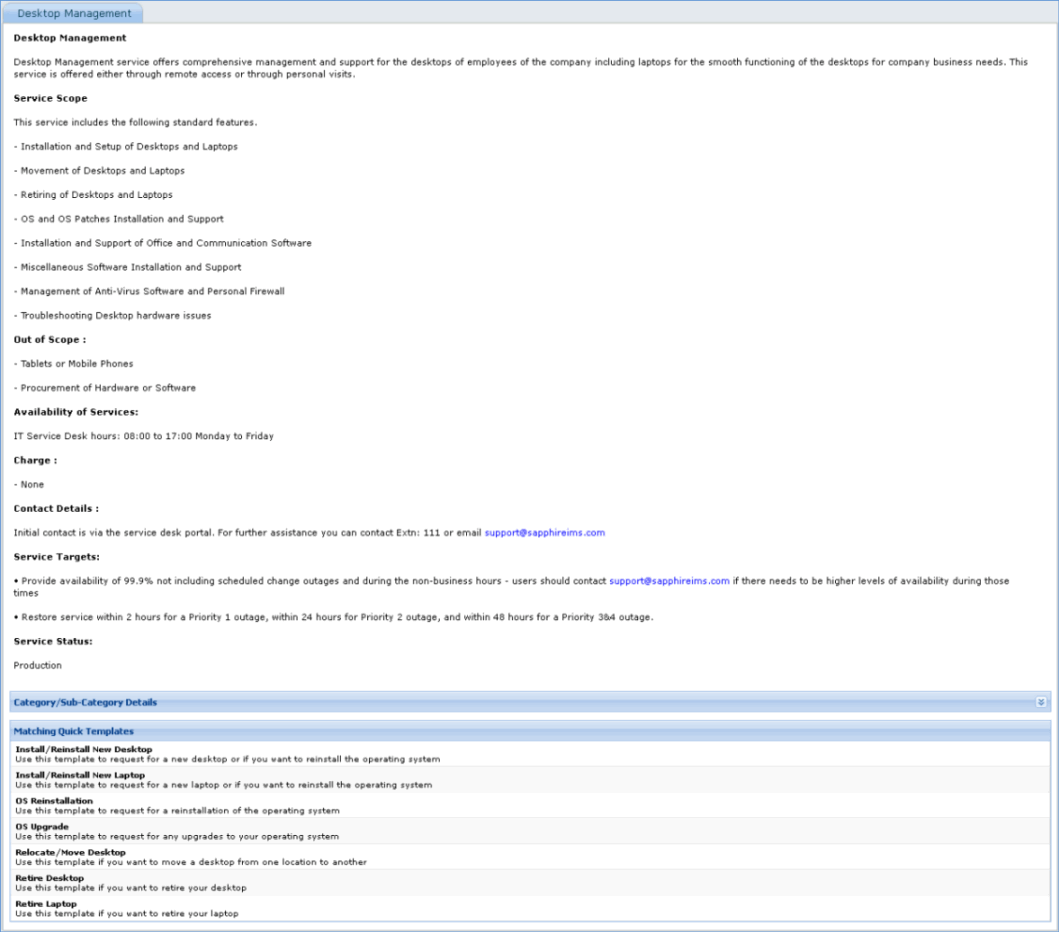
Service Catalog captures comprehensive information about the services like description of the service, scope of the service, what is covered and not covered by the service, service owner, service availability duration, status etc. Users can get a complete picture of the services offered, their details and request for access to the services from Service Catalog.
The following section illustrates how to access the Service Catalog and view the details of the services.
1. Click ‘Self Service’ > ‘Service Catalog’

2. The services are organized based the security access to the services. The services for which the logged in user has access, will be shows under ‘My Services’ filter and all services under ‘All Services’ filter.
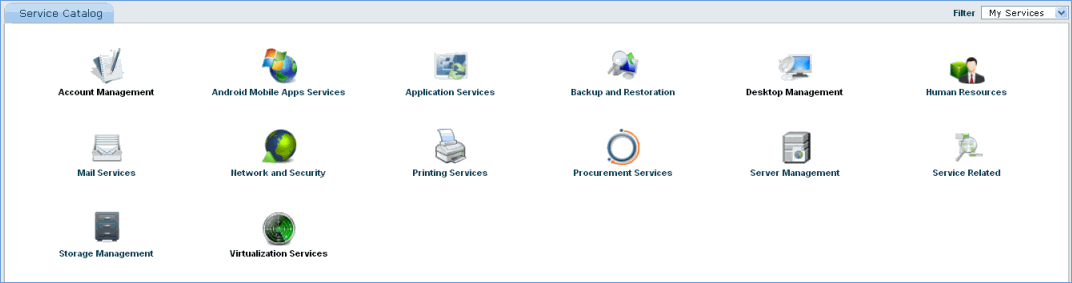
3. Click on any of the services to view the details on the service.
[ Home | Top of page | Previous Page | Next Page ]