
The results of the application discovery rules that are executed can be viewed here.
To configure application discovery rules go to Settings > Asset and Inventory Management > Application Discovery
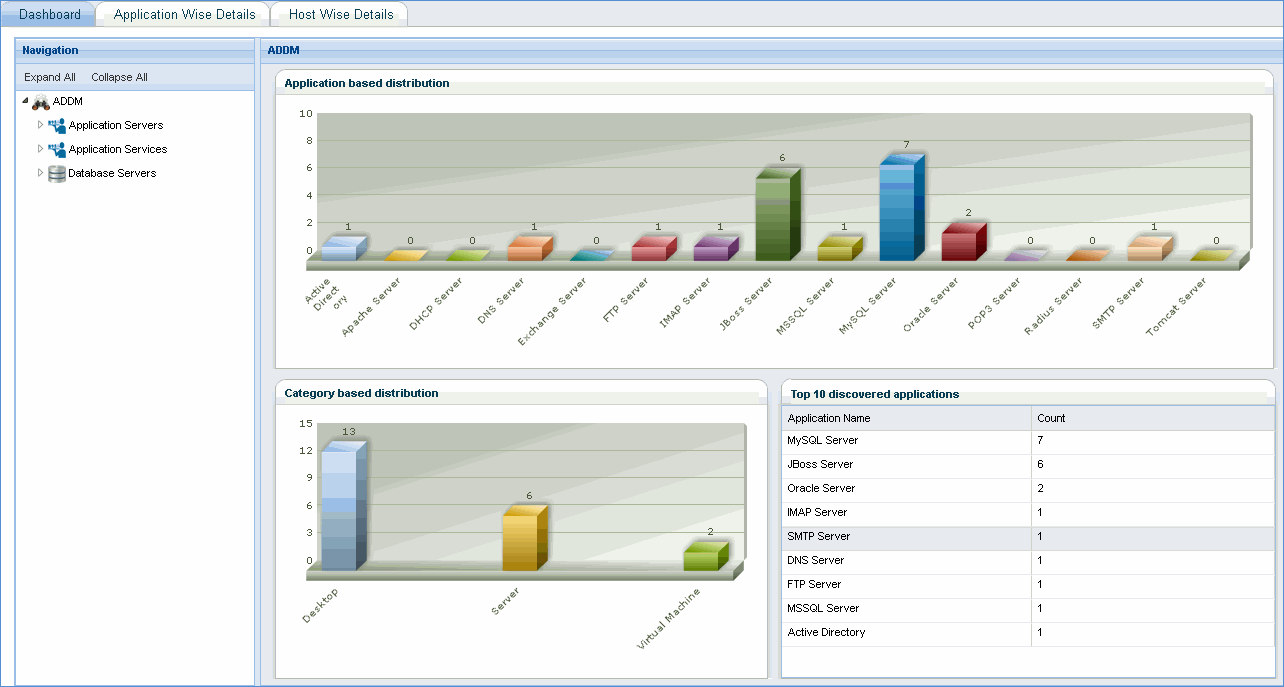
Dashboard view provides ADDM (application discovery and dependency mapping) view of the applications discovered
Click this tab to view more details of the applications
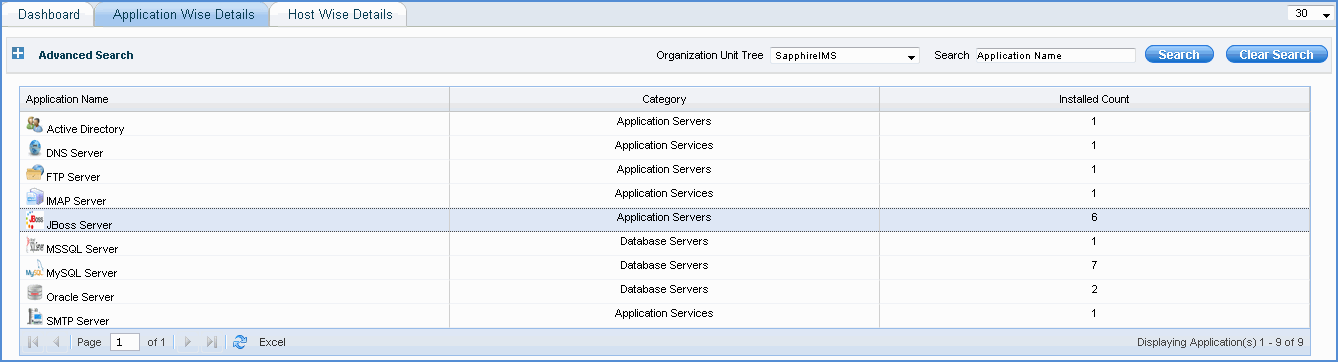
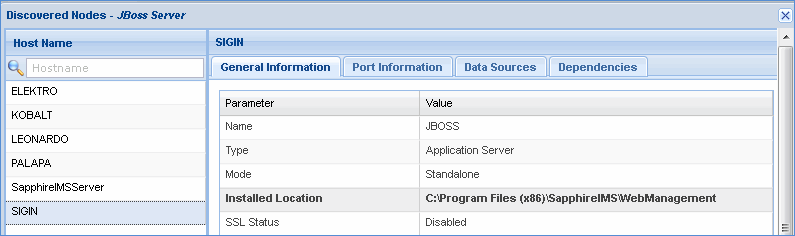
Click any application to view application specific details. All discovered nodes which have the application installed are displayed. Click the node to view application details with respect to the discovered node
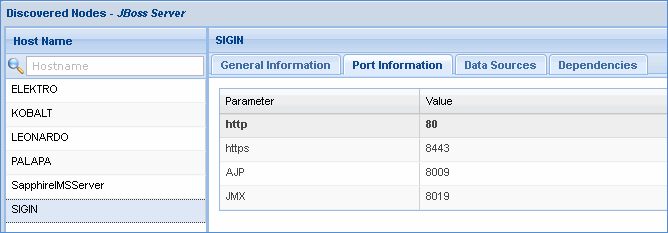
Click 'Port Information' to view the application specific ports
Click 'Data Sources' to view application specific data sources
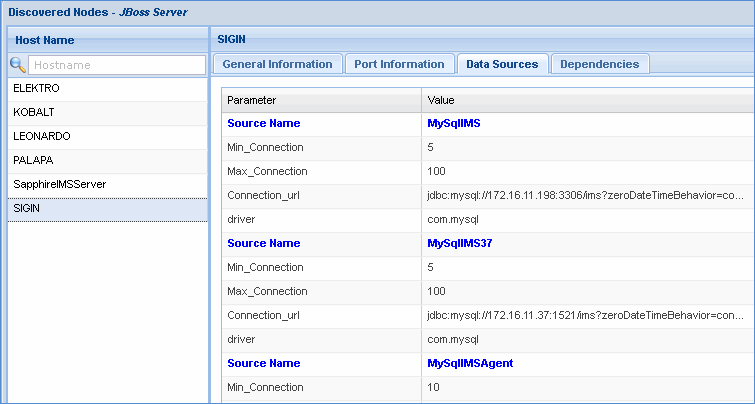
Click 'Dependencies' to view the dependencies of the application on other applications
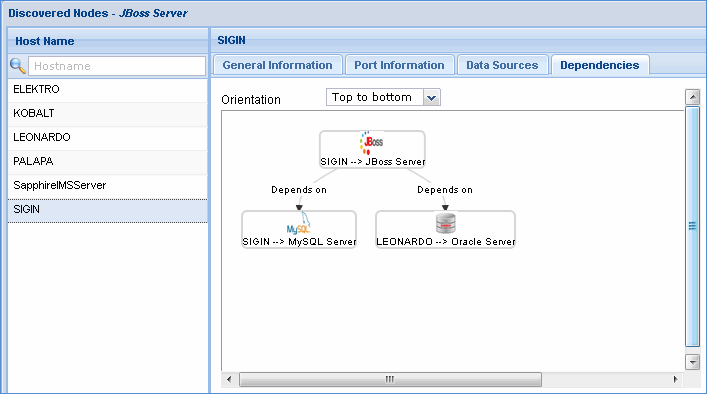
Note: When an application has multiple dependency on other applications, business service rule is automatically configured with the availability parameters as BSMRULE <host name> <Application> <Type of application monitor resource> e.g. BSMRULE SIGIN JBOSS Application Server. See Business Service for more details
This rule can also be viewed in Business Service maps. See Manage Maps
Click this tab to view application details host wise
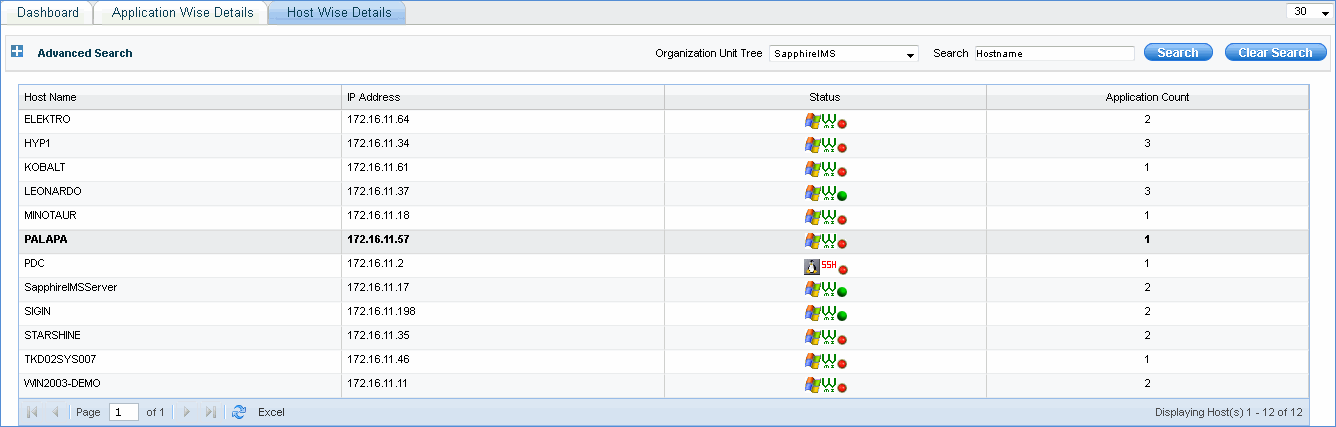
Click on any host to view application specific details
