
SapphireIMS enables you to keep track of all IT automation jobs posted
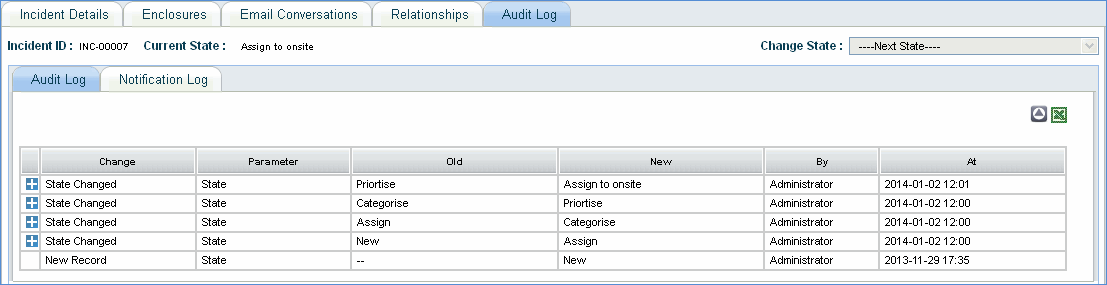
To view the log of automation jobs posted, click IT Automation, Audit Log
|
Sr. No |
Field Name |
Description |
|
1 |
Job Name |
Name of the automation job posted |
|
2 |
Host Name |
Host name which has posted the automation job |
|
3 |
Logged in IP |
IP address of the host machine which has posted the automation job |
|
4 |
Logged in user |
Login user name of the host machine |
|
5 |
Job State |
State of the job configuration – created/edited/deleted |
|
6 |
Submission Time |
Time of submission of the automation job |
|
7 |
Job Status |
Status of the automation job |
Remote Session Log
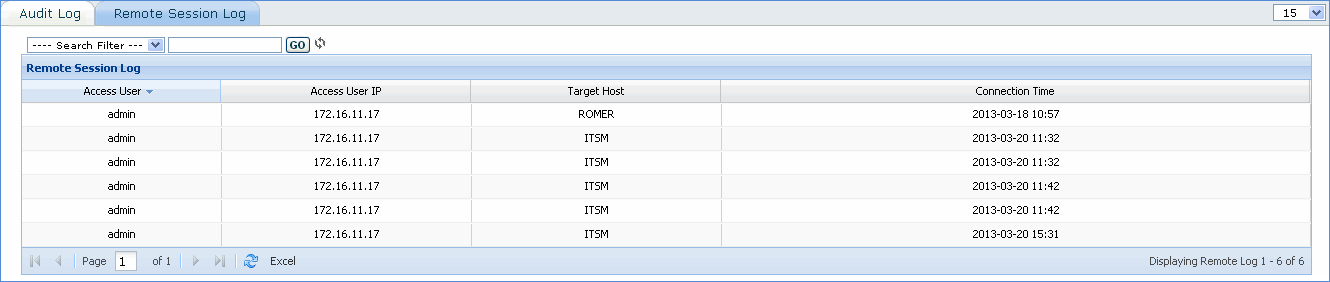
This log provides details of remote access to other machines in the network through VNC from SapphireIMS server.
|
Sr. No |
Field Name |
Description |
|
1 |
Access User |
Name of the user who has connected to remote host machine |
|
2 |
Access User IP |
IP address of the system which has connected to remote host machine |
|
3 |
Target Host |
Remote host name accessed through VNC from Sapphire server |
|
4 |
Connection Time |
Time of connection to the target host |
[ Home | Top of page | Previous Page | Next Page ]